If you run a business and want more people to find you online, Google Business Profile is one of the most important tools you can use.
When someone searches for a product, service, clinic, restaurant, shop, or company on Google, the results often show a business listing with contact details, reviews, photos, location, and working hours. That listing is powered by Google Business Profile.
It helps businesses appear in Google Search and Google Maps, making it easier for customers to discover and contact them.
For local businesses, startups, clinics, restaurants, retail stores, consultants, and service providers, this tool can directly influence visibility, trust, and customer inquiries.
In this guide, we will explain what Google Business Profile is, how it works, why it matters, and how businesses can use it effectively.
What Is Google Business Profile?
Google Business Profile is a free business listing platform provided by Google.
It allows businesses to create an online profile that appears in:
- Google Search results
- Google Maps
- Local search listings
- Mobile search results
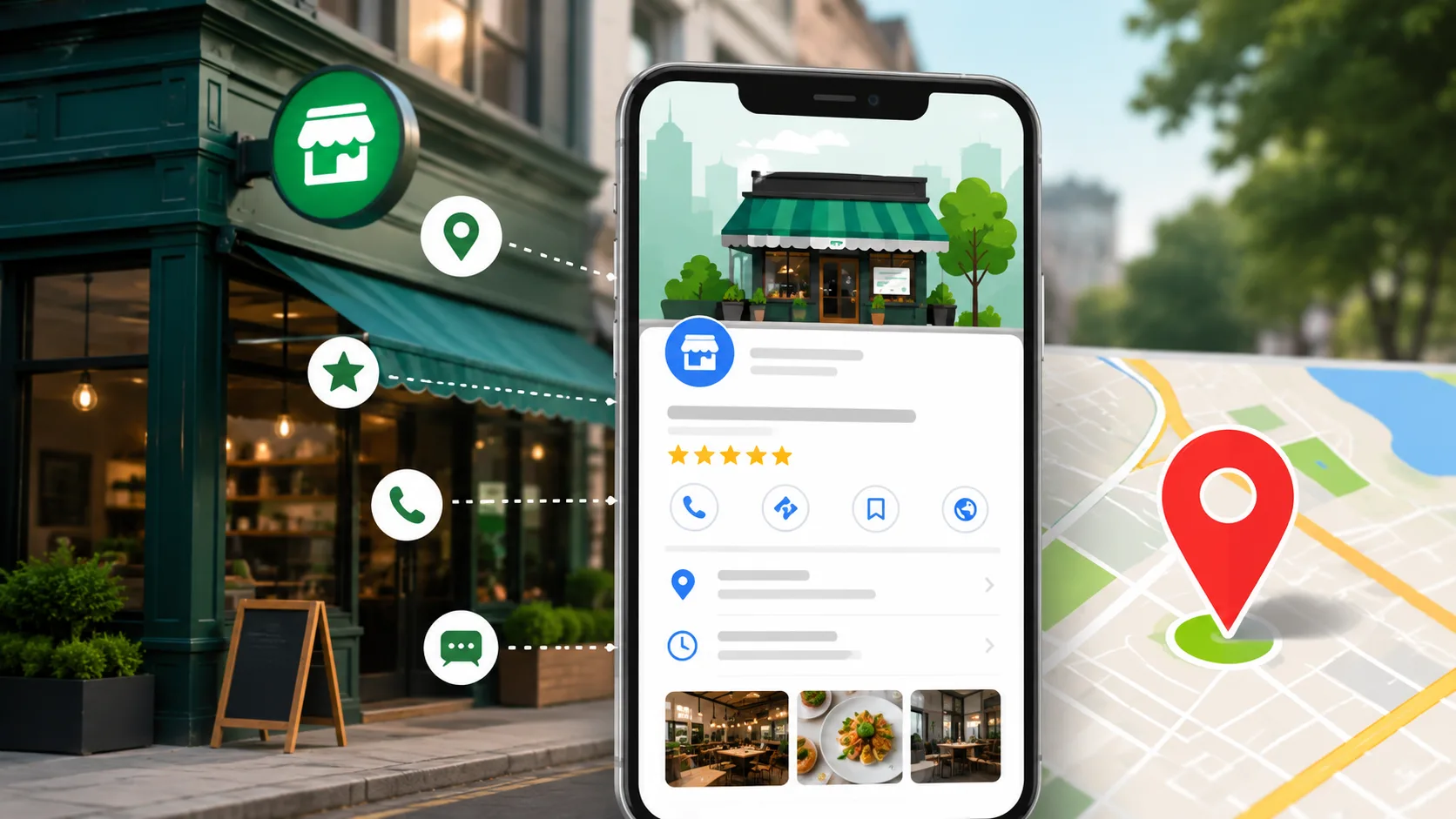
A Google Business Profile contains important business information such as:
- Business name
- Address
- Phone number
- Website
- Working hours
- Customer reviews
- Photos and videos
- Services
- FAQs
- Business updates
Earlier, this platform was known as Google My Business. Google later renamed it to Google Business Profile.
The main purpose of the platform is to help local customers quickly find reliable business information online.
Outrank National Competitors: Local SEO Strategy
Why Google Business Profile Is Important
Many customers search online before visiting a business physically or contacting them.
For example:
- “Best dental clinic near me”
- “Website development company in Kochi”
- “Coffee shop open now”
- “Digital marketing agency nearby”
Google uses Business Profiles to show relevant local businesses in these searches.
A properly optimized profile can help businesses:
- Get more visibility
- Receive more calls
- Increase website visits
- Build customer trust
- Improve local search presence
- Attract nearby customers
For many small businesses, Google Business Profile becomes a major source of leads and inquiries.
How Google Business Profile Works
Google collects and displays business information when users search for related services or locations.
Businesses can manage their profile through a Google account.
Once verified, business owners can update details anytime.
When someone searches for your business or related services, Google may display your profile in:
Google Search
Your business information appears directly in search results.
Google Maps
Customers can locate your business, get directions, and contact you.
Local Pack Results
Google often shows a group of local businesses at the top of search results. This is called the Local Pack.
Appearing in these results can significantly improve customer inquiries.
Main Features of Google Business Profile
Business Information Management
Businesses can update:
- Address
- Phone number
- Website
- Business category
- Working hours
Keeping information accurate is extremely important.
Customer Reviews
Customers can leave ratings and reviews.
Positive reviews improve credibility and influence customer decisions.
Businesses can also respond to reviews directly.
Photos and Videos
Businesses can upload:
- Office photos
- Product images
- Team photos
- Interior images
- Service videos
Visual content increases customer trust and engagement.
Posts and Updates
Google Business Profile allows businesses to publish updates such as:
- Offers
- Announcements
- Events
- New services
- Product launches
These updates appear directly on the business listing.
Messaging
Customers may contact businesses directly through messaging features.
This improves customer communication and response speed.
Insights and Analytics
Google provides useful data such as:
- Number of profile views
- Search queries used by customers
- Website clicks
- Calls received
- Direction requests
This helps businesses understand customer behavior.
Benefits of Google Business Profile for Businesses
Better Local Visibility
Businesses become easier to discover in local searches.
This is especially important for:
- Clinics
- Restaurants
- Retail stores
- Salons
- Agencies
- Service providers
Increased Customer Trust
A complete profile with reviews and photos builds credibility.
Customers usually trust businesses with:
- Good ratings
- Active responses
- Updated information
- Real photos
More Website Traffic
A Google Business Profile can send visitors directly to your website.
This increases opportunities for:
- Leads
- Bookings
- Purchases
- Consultation requests
How to Get Your Business Cited in Google AI Overviews
More Calls and Inquiries
Customers can contact businesses instantly through:
- Call buttons
- Maps
- Messaging
- Website links
This reduces friction and increases inquiries.
Better Mobile Search Presence
Many local searches happen on mobile devices.
Google Business Profile is designed to work effectively on smartphones, making it easier for mobile users to contact businesses quickly.
Who Should Use Google Business Profile?
Almost every local business should create a profile.
Examples include:
| Business Type | Should Use GBP? |
|---|---|
| Clinics | Yes |
| Restaurants | Yes |
| Retail Stores | Yes |
| Freelancers | Yes |
| Agencies | Yes |
| Educational Institutions | Yes |
| Service Businesses | Yes |
| Hotels | Yes |
| Salons | Yes |
| Consultants | Yes |
Even home-based businesses and online service providers can benefit.
How To Create a Google Business Profile
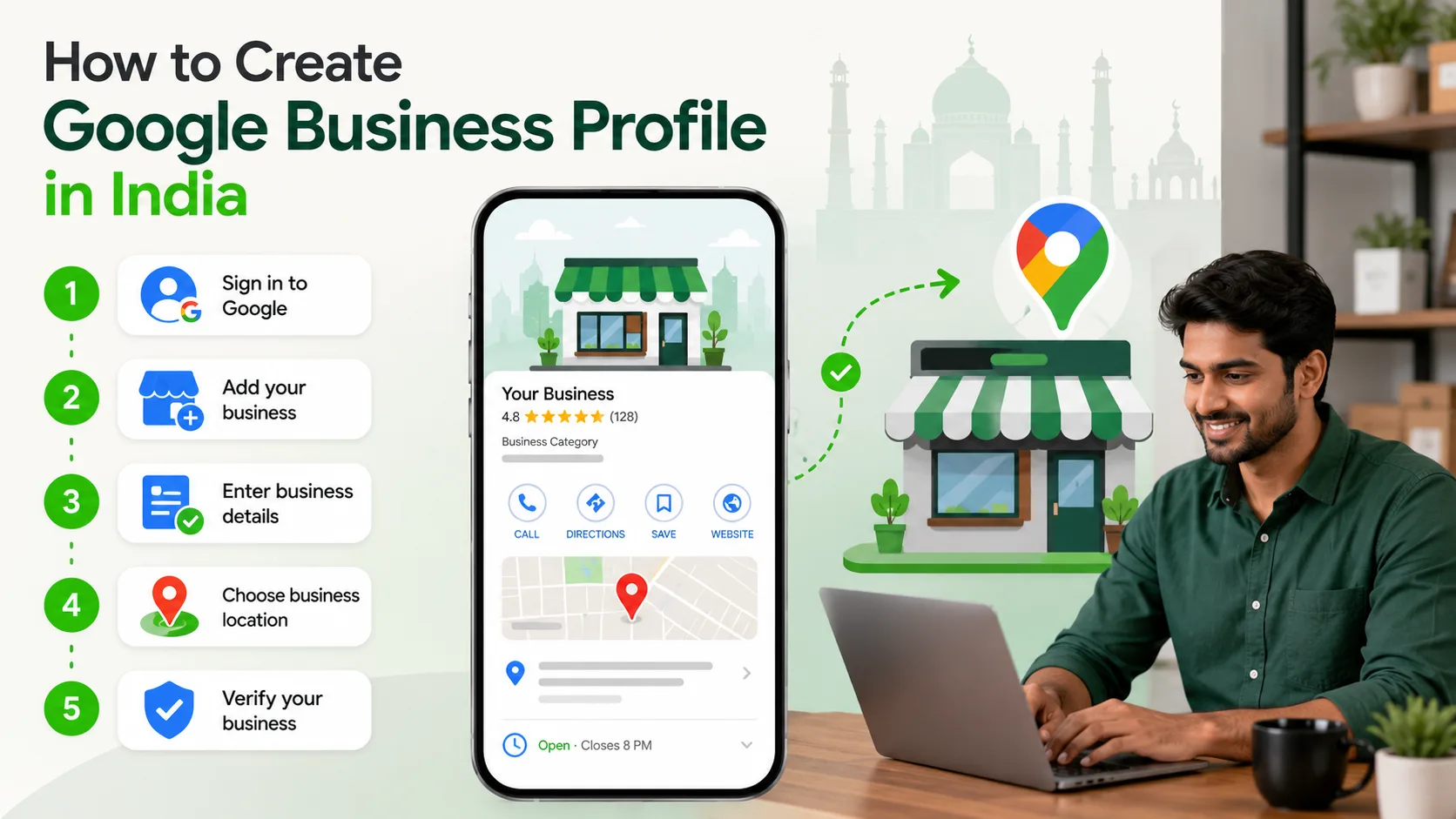
Step 1: Sign In to Google
Use your business Google account.
Step 2: Visit Google Business Profile
Go to the official Google Business Profile setup page.
Step 3: Add Your Business Name
Enter your official business name.
Step 4: Select Business Category
Choose the category that best describes your services.
Example:
- Dental Clinic
- Restaurant
- Software Company
- Marketing Agency
Step 5: Add Location Information
Provide:
- Address
- Service area
- Contact details
Step 6: Verify Your Business
Google may verify using:
- Postcard
- Phone
- Video verification
Step 7: Optimize Your Profile
Add:
- Photos
- Website
- Services
- Working hours
- Description
- FAQs
Tips To Optimize Google Business Profile
Use Accurate Business Information
Incorrect details can reduce trust and visibility.
Always keep information updated.
Add High Quality Photos
Businesses with real images usually receive better engagement.
Use clear photos of:
- Office
- Staff
- Products
- Services
Collect Customer Reviews
Ask satisfied customers to leave reviews.
Good reviews improve trust and local rankings.
Respond To Reviews
Reply professionally to both positive and negative reviews.
This shows active customer support.
Publish Regular Updates
Use posts to share:
- Offers
- New services
- Events
- Announcements
Active profiles perform better.
Add Relevant Services
Clearly mention all services you offer.
This helps Google understand your business better.
Common Mistakes Businesses Make
Incomplete Profiles
Many businesses leave sections empty.
This reduces visibility and trust.
Wrong Contact Information
Incorrect phone numbers or addresses frustrate customers.
Ignoring Reviews
Not responding to reviews may create a poor impression.
Low Quality Images
Blurry or unrelated images reduce credibility.
Inactive Profiles
Profiles that are never updated may perform poorly over time.
Google Business Profile and Local Search
Google Business Profile plays a major role in local search rankings.
Google considers factors such as:
- Relevance
- Distance
- Prominence
- Reviews
- Business activity
An optimized profile increases the chances of appearing in local results.
This is particularly valuable for businesses targeting nearby customers.
Difference Between Google Business Profile and a Website
Many businesses think a Google profile can replace a website. That is not completely true.
Both serve different purposes.
| Google Business Profile | Website |
|---|---|
| Helps local discovery | Provides detailed information |
| Appears in Maps and Search | Builds full brand presence |
| Limited customization | Fully customizable |
| Focused on local visibility | Focused on conversions and branding |
| Free | Requires development and hosting |
The best approach is to use both together.
A strong website combined with an optimized Google Business Profile creates better business visibility online.
How Google Business Profile Helps Small Businesses
Small businesses often have limited marketing budgets.
Google Business Profile offers a free way to compete online.
Benefits include:
- More visibility
- Better customer trust
- Increased local reach
- Improved inquiry generation
- Higher foot traffic
For many businesses, it becomes one of the highest-return digital tools available.
Is Google Business Profile Free?
Yes.
Google Business Profile is completely free to create and manage.
Businesses only need:
- A Google account
- Business information
- Verification
There are no monthly charges for maintaining a profile.
Conclusion
Google Business Profile is one of the most valuable tools for local business visibility.
It helps businesses appear where customers are actively searching for products and services. With accurate information, reviews, photos, and regular updates, businesses can improve trust and attract more inquiries.
Whether you run a clinic, startup, agency, retail shop, or service company, having a properly optimized Google Business Profile can significantly improve your online presence.
Website vs Social Media: Strategic Choice for Business Growth in 2026
If you want a professional business website, local search strategy, or digital growth support, contact TenG Spectrum for expert website development and digital solutions.
Frequently Asked Questions
Find quick answers to common questions about this topic