If you own a business in India, creating a Google Business Profile is one of the easiest and most effective ways to increase your online visibility.
Today, customers search online before visiting a store, clinic, office, restaurant, or service provider. When people search for businesses on Google or Google Maps, they usually contact the businesses that appear first with complete information and positive reviews.
A Google Business Profile helps your business appear in:
- Google Search
- Google Maps
- Local business listings
- Mobile search results
Whether you run a clinic, retail store, startup, agency, hotel, salon, restaurant, or service business, having a properly optimized profile can help you attract more customers.
In this guide, you will learn exactly how to create a Google Business Profile in India step by step.
What Is Google Business Profile?
Google Business Profile is a free platform that allows businesses to manage how they appear on Google Search and Google Maps.
Your profile can display:
- Business name
- Address
- Phone number
- Website
- Business hours
- Customer reviews
- Photos
- Services
- Directions
Earlier, this platform was known as Google My Business.
60+ small business ideas to start in India for 2026 – with low investment
Why Google Business Profile Is Important in India
India has millions of internet users searching daily for nearby businesses and services.
Examples include:
- “Best dentist near me”
- “Website development company in Kochi”
- “Restaurant open now”
- “Digital marketing agency in Kerala”
A Google Business Profile helps your business appear in these searches.
Benefits include:
- More customer visibility
- Increased website traffic
- More phone calls
- Better trust through reviews
- Improved local search presence
- More walk-in customers
For many small businesses in India, this becomes a major source of leads and inquiries.
Who Can Create a Google Business Profile?
Almost every business can create a profile.
Examples include:
| Business Type | Eligible? |
|---|---|
| Clinics | Yes |
| Restaurants | Yes |
| Retail Shops | Yes |
| Salons | Yes |
| Hotels | Yes |
| Startups | Yes |
| Freelancers | Yes |
| Agencies | Yes |
| Educational Institutions | Yes |
| Service Providers | Yes |
Even businesses operating from home can create profiles if they provide services to customers.
Requirements Before Creating a Google Business Profile
Before starting, keep the following ready:
- Google account
- Business name
- Business address
- Mobile number
- Website URL
- Business category
- Working hours
- Business photos
Having all details prepared makes setup easier and faster.
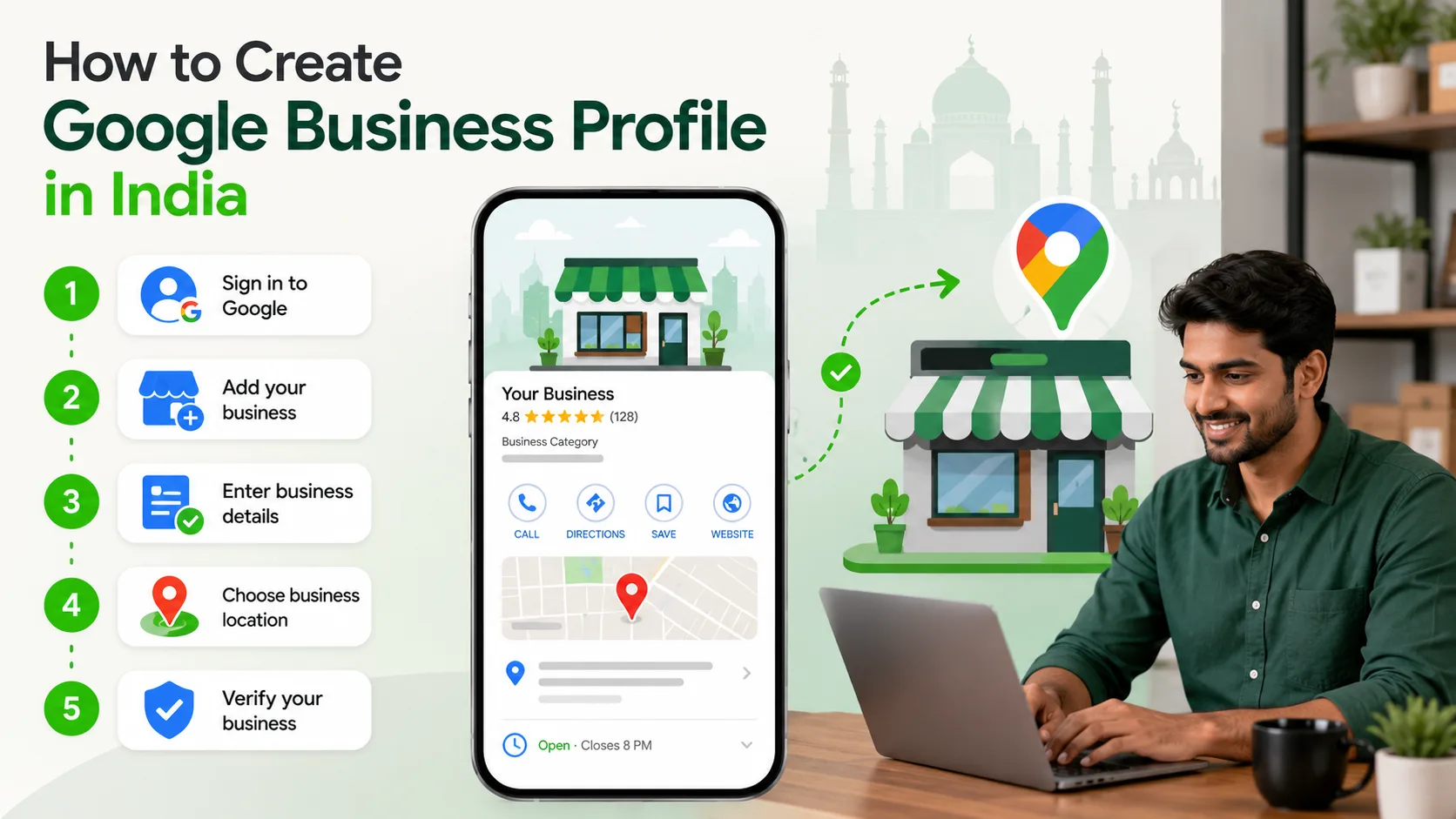
Step by Step Guide to Create Google Business Profile in India
Step 1: Visit Google Business Profile Website
Go to the official setup page:
Click on:
- “Manage now”
- Or “Sign in”
Use your business Google account.
Step 2: Enter Your Business Name
Type your official business name.
Example:
- ABC Dental Clinic
- XYZ Digital Solutions
- Kerala Spice Restaurant
If your business already exists on Google, you may see suggestions.
Choose the correct listing if available.
Step 3: Select Your Business Category
Choose the category that best matches your business.
Examples:
- Dental Clinic
- Software Company
- Restaurant
- Marketing Agency
- Clothing Store
Selecting the right category is very important because it affects local search visibility.
You can also add secondary categories later.
Step 4: Add Your Business Location
Google will ask whether customers can visit your location.
If yes:
- Enter your business address accurately
- Add landmark details if needed
If you provide services at customer locations:
- You can add service areas instead
Example:
- Kochi
- Ernakulam
- Kerala
Make sure the address matches your real business location.
Step 5: Add Contact Information
Enter:
- Phone number
- Website URL
If you do not have a website yet, Google may offer a simple website option.
However, having a professional website is strongly recommended for credibility and better customer conversions.
Step 6: Verify Your Business
Verification is required to activate your profile.
In India, Google may offer verification through:
- Phone verification
- Email verification
- Video verification
- Postcard verification
The available method depends on the business type and location.
How AI Is Changing Small Businesses in India
Video Verification Process
Many businesses in India now use video verification.
Google may ask you to record a short video showing:
- Business exterior
- Office signboard
- Interior workspace
- Equipment
- Ownership proof
This helps Google confirm the business is genuine.
Step 7: Complete Your Profile
After verification, optimize your profile completely.
Add:
- Business description
- Working hours
- Services
- Products
- Photos
- Logo
- Cover image
A complete profile performs much better than an incomplete one.
Step 8: Add Business Photos
Upload high quality images of:
- Office
- Team
- Products
- Services
- Reception
- Interior
- Exterior
Businesses with photos usually receive more customer engagement.
Step 9: Collect Customer Reviews
Ask satisfied customers to leave reviews.
Positive reviews help:
- Build trust
- Improve local rankings
- Increase inquiries
Always respond professionally to reviews.
Step 10: Keep Your Profile Updated
Regularly update:
- Working hours
- New services
- Photos
- Announcements
- Contact information
An active profile creates a better impression.
Important Tips for Businesses in India
Use Correct NAP Information
NAP means:
- Name
- Address
- Phone Number
Keep these details consistent everywhere online.
Add Local Keywords Naturally
Mention local service areas in your business description.
Example:
- Website Development Company in Kochi
- Dental Clinic in Ernakulam
This improves local relevance.
Avoid Fake Reviews
Never buy fake reviews.
Google may suspend profiles with suspicious review activity.
Use Real Business Photos
Avoid stock images whenever possible.
Real images build more customer trust.
Respond to Customer Questions
Google allows users to ask questions directly on profiles.
Answer them professionally and quickly.
Common Mistakes to Avoid
Incorrect Business Category
Choosing the wrong category affects visibility.
Incomplete Profiles
Businesses that skip details often perform poorly.
Keyword Stuffing
Do not overload the business name with keywords.
Incorrect example:
“Best Cheap Dental Clinic Kochi Kerala”
Use only your real business name.
Ignoring Reviews
Not responding to customer reviews can hurt trust.
Outdated Information
Wrong timings or phone numbers create frustration for customers.
How Google Business Profile Helps Indian Businesses
Google Business Profile is especially useful in India because local searches are growing rapidly.
Customers often rely on Google Maps before visiting businesses physically.
A good profile helps businesses:
- Appear in local searches
- Improve credibility
- Generate phone calls
- Increase website visits
- Attract nearby customers
- Build brand visibility
This is extremely valuable for MSMEs, startups, clinics, agencies, and retail businesses.
Google Business Profile vs Social Media
Many businesses focus only on social media.
However, Google Business Profile serves a different purpose.
| Google Business Profile | Social Media |
|---|---|
| Helps local discovery | Helps audience engagement |
| Appears in Google Search | Appears in feeds |
| Shows location and reviews | Focuses on content |
| Drives local inquiries | Builds brand interaction |
| Useful for Maps visibility | Useful for community building |
Both are important for digital growth.
Do You Need a Website Along With Google Business Profile?
Yes.
A Google profile helps customers discover your business, but a professional website helps convert visitors into customers.
A website provides:
- Detailed service information
- Better branding
- Inquiry forms
- Booking systems
- Product pages
- Better credibility
Businesses with both a website and Google Business Profile usually perform much better online.
Conclusion
Creating a Google Business Profile in India is one of the most important steps for improving local business visibility online.
It helps customers discover your business through Google Search and Google Maps while building trust through reviews, photos, and accurate business information.
Whether you run a startup, clinic, retail store, restaurant, salon, or service company, an optimized Google Business Profile can help generate more inquiries and attract nearby customers.
If you need a professional business website, local digital strategy, or complete online growth support, contact TenG Spectrum for expert website development and digital solutions.
Frequently Asked Questions
Find quick answers to common questions about this topic