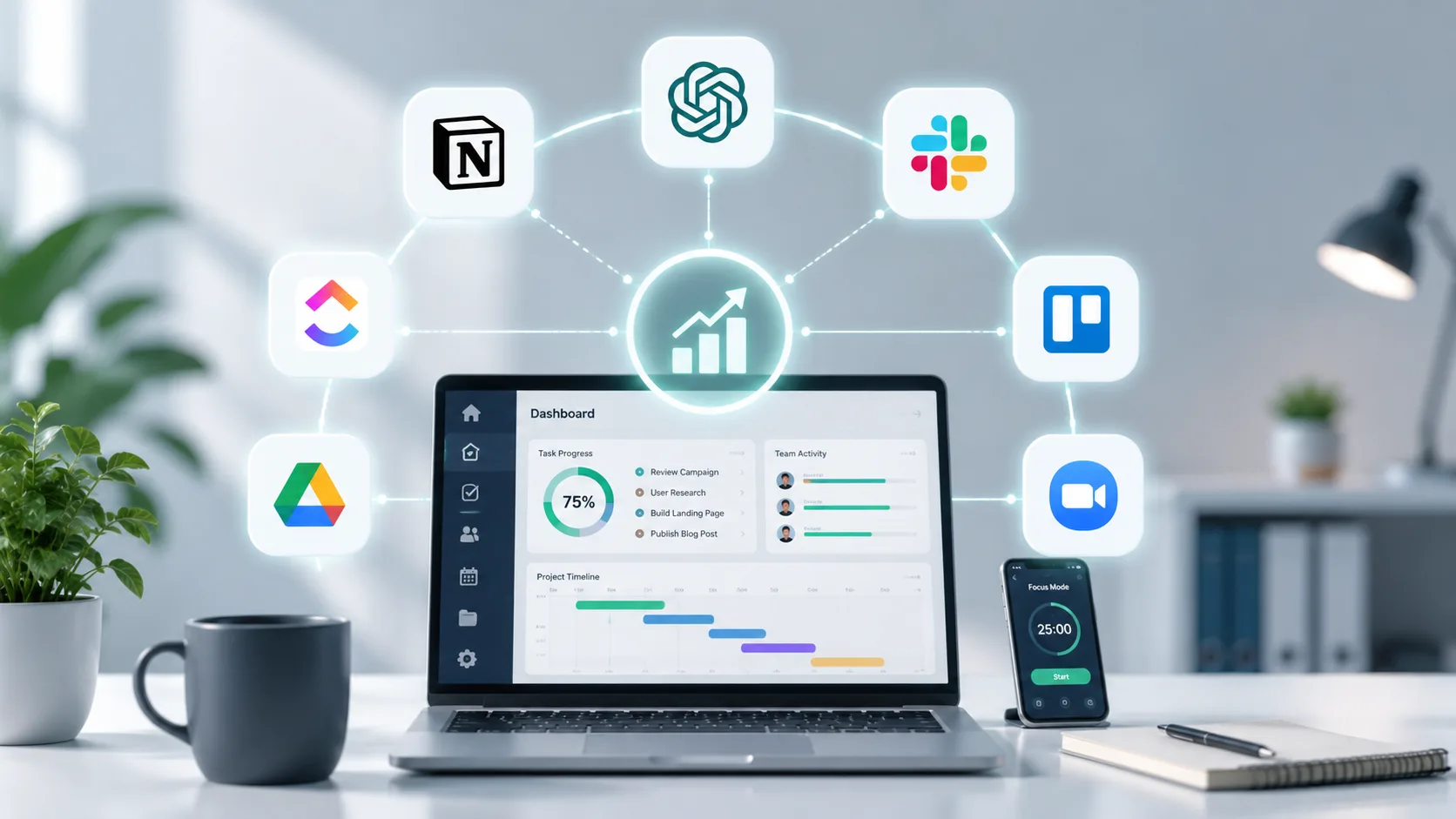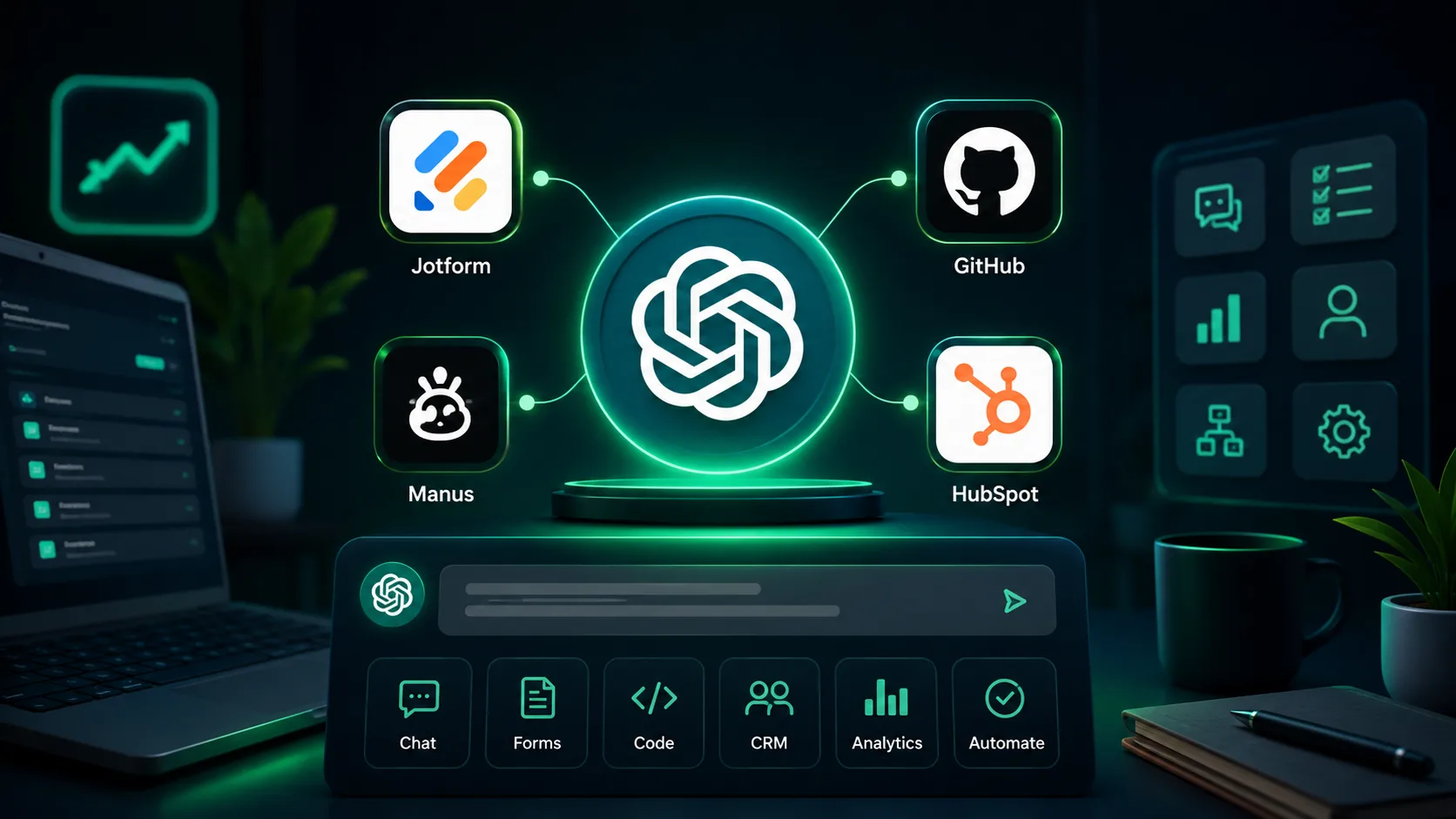
Artificial intelligence is rapidly changing how people work, communicate, research, and manage daily tasks. One of the biggest developments in this space is the introduction of ChatGPT Apps.
If you have recently explored ChatGPT, you may have noticed that it can do much more than answer questions. It can connect with specialized applications, tools, and services that extend its capabilities far beyond simple conversations.
These connected tools are commonly known as ChatGPT Apps.
Whether you are a business owner, healthcare professional, startup founder, marketer, educator, or everyday user, understanding ChatGPT Apps can help you save time, automate repetitive tasks, and improve productivity.
In this guide, we will explain what ChatGPT Apps are, how they work, their benefits, popular categories, business applications, and how to choose the right apps for your needs.
What Are ChatGPT Apps?
ChatGPT Apps are specialized applications, tools, or integrations that work within ChatGPT to perform specific tasks.
Instead of using multiple websites and software platforms separately, users can access many services directly through ChatGPT.
These apps allow ChatGPT to:
- Search external information
- Analyze data
- Create documents
- Generate images
- Manage projects
- Access business tools
- Connect with productivity platforms
- Automate workflows
Think of ChatGPT as a smart assistant and ChatGPT Apps as the tools that expand what that assistant can do.
Without apps, ChatGPT mainly relies on conversation and built-in capabilities.
With apps, it can interact with external services and complete more advanced tasks.
How Do ChatGPT Apps Work?
ChatGPT Apps function as integrations between ChatGPT and other software platforms.
When a user requests a specific task, the app provides additional capabilities that help ChatGPT complete that task more effectively.
The process typically works like this:
- User enters a request.
- ChatGPT identifies whether an app can help.
- The relevant app is activated.
- Data is exchanged securely.
- The app performs the required function.
- Results are returned inside ChatGPT.
For example:
A user asks:
"Create a presentation based on this sales report."
A presentation app can help organize the information into slides while ChatGPT generates the content structure.
The user receives the final output without switching between multiple tools.
Why Were ChatGPT Apps Introduced?
Users increasingly expect AI assistants to do more than answer questions.
Modern workflows require:
- Real-time information
- File handling
- Data analysis
- Image generation
- Project management
- Business automation
Without apps, users would need to manually move between different software systems.
ChatGPT Apps help bring these capabilities into a single environment.
The goal is to create a more productive and seamless user experience.
Key Features of ChatGPT Apps
Extended Functionality
Apps significantly expand what ChatGPT can do.
Examples include:
- Creating graphics
- Managing schedules
- Researching information
- Building documents
- Organizing projects
Workflow Automation
Many apps automate repetitive tasks.
Examples include:
- Data entry
- Report generation
- Meeting summaries
- Task management
Improved Productivity
Users spend less time switching between platforms.
This leads to:
- Faster work completion
- Better organization
- Reduced manual effort
Better Collaboration
Teams can use apps to manage projects, share information, and improve communication.
Specialized Expertise
Some apps are designed for specific industries such as:
- Healthcare
- Finance
- Marketing
- Education
- Software development
Types of ChatGPT Apps
ChatGPT Apps are available across many categories.
Productivity Apps
These apps help users manage work and daily activities.
Common functions include:
- Task tracking
- Calendar management
- Note-taking
- Team collaboration
Benefits:
- Better organization
- Increased efficiency
- Reduced administrative workload
Is 2026 the worst time to start a business — or the most honest one?
Writing and Content Creation Apps
Content-focused apps assist with:
- Blog writing
- Social media posts
- Email drafting
- Copywriting
- Editing
These tools help businesses create content more efficiently.
Design and Image Generation Apps
Creative apps support:
- Graphic design
- Illustration creation
- Image editing
- Visual content production
These tools are useful for marketers, agencies, and content creators.
Data Analysis Apps
Businesses often work with large amounts of data.
Data-focused apps can:
- Analyze spreadsheets
- Generate reports
- Identify trends
- Visualize information
This helps organizations make informed decisions.
Research Apps
Research apps can gather and organize information from multiple sources.
Common uses include:
- Market research
- Competitor analysis
- Academic research
- Industry monitoring
Project Management Apps
Project-focused apps help teams:
- Assign tasks
- Track progress
- Manage deadlines
- Coordinate activities
These tools are especially useful for remote teams.
Customer Support Apps
Support-focused apps can:
- Handle customer inquiries
- Generate responses
- Organize tickets
- Improve service efficiency
Many businesses use these apps to improve customer experience.
Benefits of Using ChatGPT Apps
Saves Time
One of the biggest advantages is time savings.
Users can perform multiple tasks without switching between different software platforms.
Improves Accuracy
Specialized apps are designed for specific functions.
This often improves the quality and accuracy of results.
Reduces Costs
Businesses can streamline workflows and reduce operational costs through automation.
Enhances Productivity
Employees spend more time on high-value activities instead of repetitive work.
Supports Business Growth
Efficient processes allow organizations to scale operations more effectively.
How Businesses Are Using ChatGPT Apps
Businesses across industries are finding practical ways to use ChatGPT Apps.
Marketing Teams
Marketing departments use apps for:
- Content planning
- Campaign creation
- Market research
- Social media management
Healthcare Practices
Medical organizations use AI-powered tools to assist with:
- Administrative workflows
- Patient communication
- Documentation support
- Scheduling
Startups
Startups benefit from:
- Faster research
- Content creation
- Business planning
- Customer support
Professional Services
Consultants, agencies, and service providers use apps for:
- Client communication
- Proposal creation
- Reporting
- Workflow automation
E-commerce Businesses
Online stores use apps to:
- Create product descriptions
- Manage customer inquiries
- Analyze sales data
- Support marketing efforts
ChatGPT Apps vs Traditional Software
| Feature | ChatGPT Apps | Traditional Software |
|---|---|---|
| Conversational Interface | Yes | Usually No |
| AI Assistance | Built In | Limited |
| Workflow Integration | High | Varies |
| Learning Curve | Lower | Often Higher |
| Automation Capabilities | Strong | Depends on Software |
| User Experience | Unified | Multiple Platforms |
Traditional software still has important advantages for specialized tasks.
However, ChatGPT Apps simplify many workflows by combining AI assistance with software functionality.
How to Choose the Right ChatGPT Apps
Not every app is suitable for every user.
Consider the following factors.
Identify Your Goals
Ask yourself:
- What tasks consume the most time?
- What processes need automation?
- Which workflows need improvement?
Evaluate Features
Compare apps based on:
- Functionality
- Ease of use
- Integration capabilities
- Scalability
Check Security
For businesses handling sensitive information, security should be a top priority.
Review:
- Data policies
- Compliance standards
- Access controls
Consider Team Needs
Choose apps that align with how your team works.
An effective app should improve workflows rather than complicate them.
Test Before Adoption
Start with small projects before implementing an app across the organization.
Common Misconceptions About ChatGPT Apps
ChatGPT Apps Are Only for Tech Experts
This is false.
Many apps are designed for everyday users and require little technical knowledge.
Apps Replace Human Workers
Apps are designed to assist people, not replace them.
They automate repetitive tasks and help users work more efficiently.
Every App Works the Same Way
Different apps serve different purposes.
Some focus on productivity while others specialize in research, design, or analytics.
More Apps Always Mean Better Results
Using too many apps can create complexity.
Businesses should focus on apps that directly support their goals.
The Future of ChatGPT Apps
The ecosystem of ChatGPT Apps continues to grow rapidly.
Future developments may include:
- Deeper business integrations
- More advanced automation
- Industry-specific solutions
- Improved collaboration features
- Enhanced personalization
- Smarter workflow management
As AI technology evolves, ChatGPT Apps are expected to become a central part of digital business operations.
Organizations that learn how to use these tools effectively will be better positioned to improve efficiency and adapt to changing technology trends.
Conclusion
ChatGPT Apps represent the next stage in how people interact with artificial intelligence. Instead of functioning as a standalone chatbot, ChatGPT can now connect with specialized tools that help users complete real-world tasks more efficiently.
From content creation and research to project management and business automation, these apps are transforming the way individuals and organizations work.
As the ecosystem continues to expand, businesses that understand and adopt the right ChatGPT Apps will be better equipped to improve productivity, streamline operations, and deliver better experiences for customers and teams alike.
If your business is exploring AI integration, workflow automation, or digital transformation opportunities, TenG Spectrum can help. Our team provides professional website development, SEO, and digital strategy services designed to help businesses grow in an increasingly AI-driven world. Contact TenG Spectrum to discuss your next digital project.
Frequently Asked Questions
Find quick answers to common questions about this topic