Apps inside the ChatGPT directory have turned ChatGPT into something much more valuable than a standard AI assistant in 2026. Instead of using the platform just to get answers, users can now integrate the software they already use daily and execute actual tasks directly within the conversational interface.
This development alters the way modern teams work in 2026. Professionals can retrieve customer records, design marketing graphics, track project details, build custom forms, and run business operations inside a single chat window. These apps inside ChatGPT cut down on tab switching, remove unnecessary manual steps, and speed up project delivery.
In 2026, the absolute best apps inside ChatGPT are not simply the ones that pack the most features. The most effective options are those that introduce meaningful actions to the chat and help users go from a simple idea to a completed task within one continuous workflow.
This 2026 guide reviews the top options available today. We focus specifically on user friendliness, real business advantages, and the actual capabilities each tool offers as an app inside ChatGPT.
How to Choose the Right Apps inside ChatGPT in 2026
Selecting the right apps inside ChatGPT from the marketplace requires a clear focus on your daily operational needs in 2026. Instead of activating every tool available, successful teams look for software that directly solves workflow bottlenecks.
When you evaluate different options in 2026, you should prioritize these apps inside ChatGPT based on three core standards:
- Action-Oriented Design: The app inside ChatGPT must do more than just read or summarize text. It needs to execute specific tasks, like generating live forms or updating databases.
- Context Retention: A great integration allows you to complete a project from start to finish within the same chat box, maintaining a smooth workflow.
- Time Savings: The tool should visibly reduce the number of clicks and tab switches needed to complete routine administrative tasks.
By focusing on these efficiency metrics in 2026, you can construct a digital workspace that turns conversations into real organizational outcomes.
Best Apps inside ChatGPT in 2026: Comparison Table
| ChatGPT app | Key capability inside ChatGPT | Best for |
| Jotform | Forms, submissions, and reporting | Data collection and analysis |
| GitHub | Repository and development context | Software teams and developers |
| Slack | Conversation summaries | Team communication and context |
| Manus | Multi-step workflow execution | Operations and project management |
| Spotify | Audio discovery and custom playlists | Creative focus and remote workflow companion |
| HubSpot | CRM and customer context | Sales and marketing teams |
The best apps inside ChatGPT in 2026
Jotform
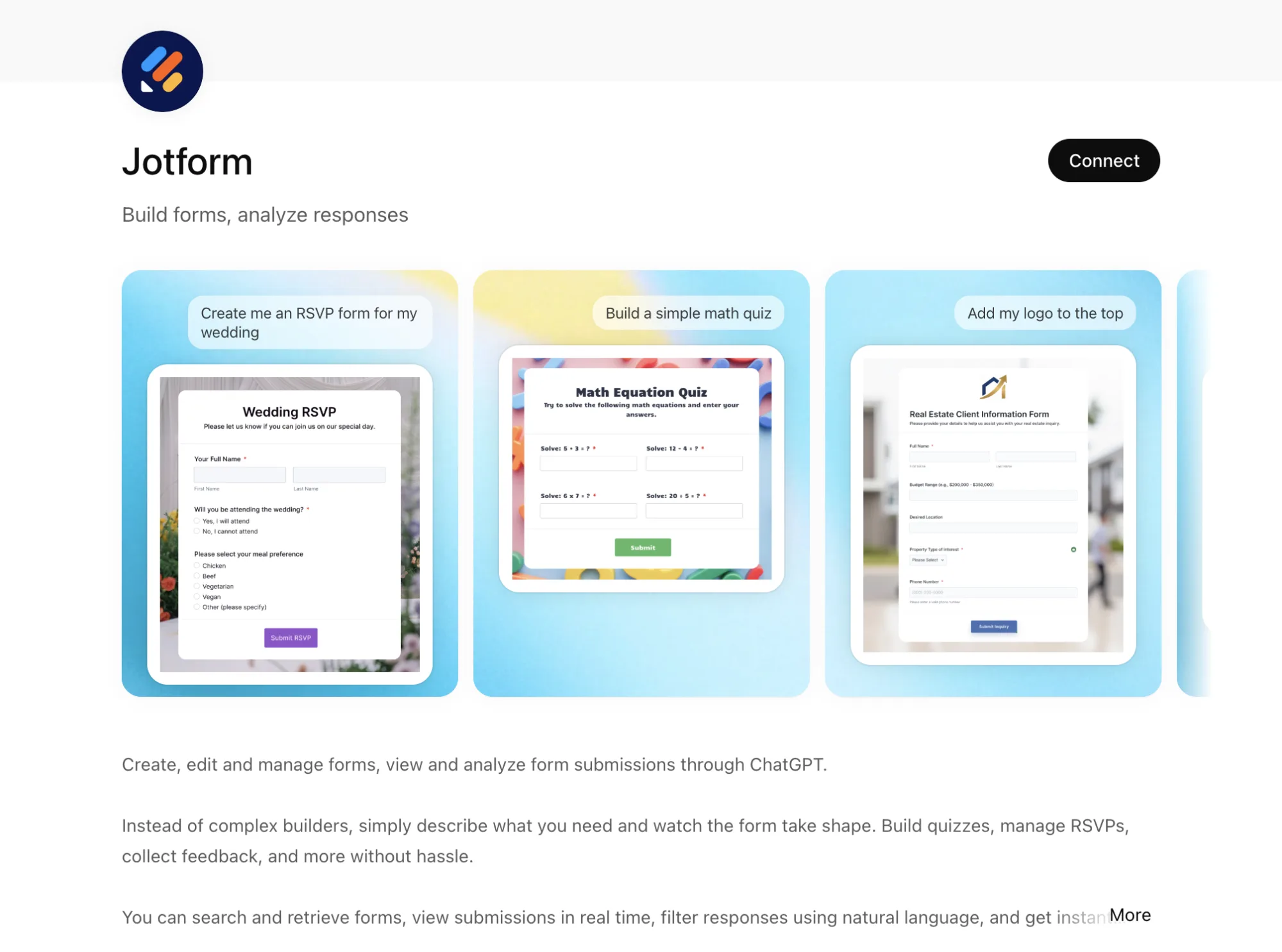
The Jotform ChatGPT form builder remains the definitive model for what an interactive ChatGPT app should look like in 2026. Instead of acting as a basic display tool, it grants users the ability to build online forms, gather incoming data, and evaluate submissions directly within the active chat interface.
The application allows you to describe a customer survey, event registration setup, application portal, or feedback questionnaire in everyday language to generate it instantly. As soon as entries begin to accumulate, ChatGPT can easily synthesize the data, highlight core trends, and answer specific questions regarding the submissions. This fluid connection between creation and immediate data evaluation makes Jotform an incredibly practical tool in 2026.
Core Jotform Features inside ChatGPT
- Construct functional forms using everyday conversational prompts
- Tweak and update active form layouts directly from the chat box
- Retrieve, filter, and monitor incoming submissions instantly
- Produce custom data reports and quick summaries without leaving the screen
- Review evaluation trends and discover response patterns dynamically
Jotform Pros
- Manages the entire data pipeline from initial form building to final reporting
- Cuts out the need for tedious manual spreadsheet analysis
- Intuitive and straightforward for non-technical team members
- Delivers immediate operational utility across multiple corporate departments
Jotform Cons
- Advanced system automations still require accessing the primary platform
- Exceptionally large enterprise datasets may still need dedicated management dashboards
Jotform is best for
This app provides great value in 2026 for marketing teams collecting leads, HR departments tracking candidates, operations groups managing workflows, as well as educators and field researchers who depend on structured data collection.
Try the Jotform ChatGPT form builder.
GitHub
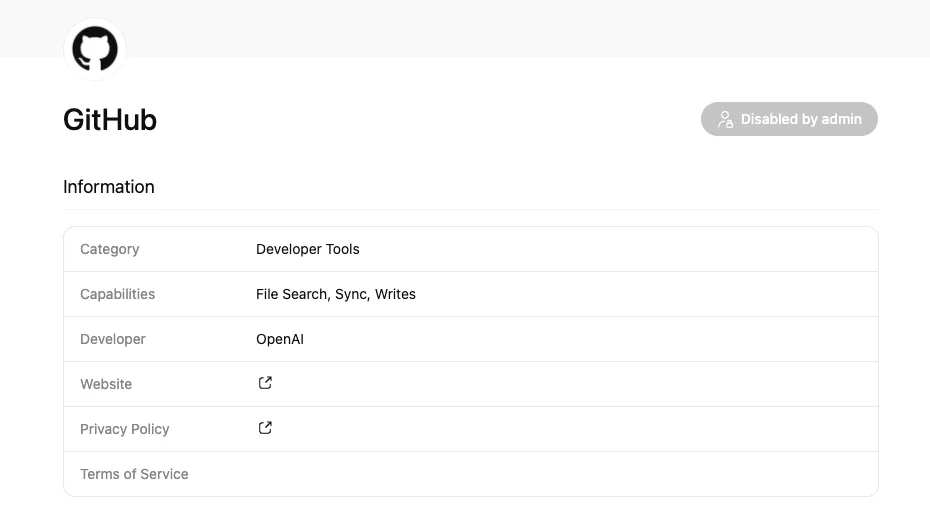
In 2026, the GitHub ChatGPT app connects software repositories directly to your chat window for real-time codebase analysis. Instead of constantly switching between development environments and communication tools, engineering teams can link their accounts to search, track, and reason over their active projects through fluid conversation.
By authorizing access, ChatGPT can instantly read live repository files, including source code, README documents, and pull request tracking. Developers can use standard language prompts to investigate project status, isolate backend bugs, or review technical context before major deployment sessions.
Core GitHub Features inside ChatGPT
- Retrieve and analyze live repository activity, including code, documentation, and README setups
- Review project documentation, pull requests, and active issue listings in real time
- Search through codebases contextually using smart natural language queries
- Examine specific code snippets and pull relevant references into chat conversations
- Track overall development timelines and codebase architecture through fluid conversation
GitHub Pros
- Saves significant engineering time normally spent navigating repository histories
- Offers immense practical support during complex technical and architecture discussions
- Boosts day-to-day project visibility across distributed software development teams
- Facilitates seamless onboarding by making codebases instantly searchable with simple queries
GitHub Cons
- The ChatGPT app only permits reading from your repositories; you cannot push code, edits, or PRs back to GitHub through this app
- You can only search for the names of your connected repositories, as searching for individual file names is not supported
GitHub is best for
This ChatGPT app delivers strong operational value in 2026 for software developers, engineering managers, technical founders, and product managers who need immediate insight into their code context.
Slack
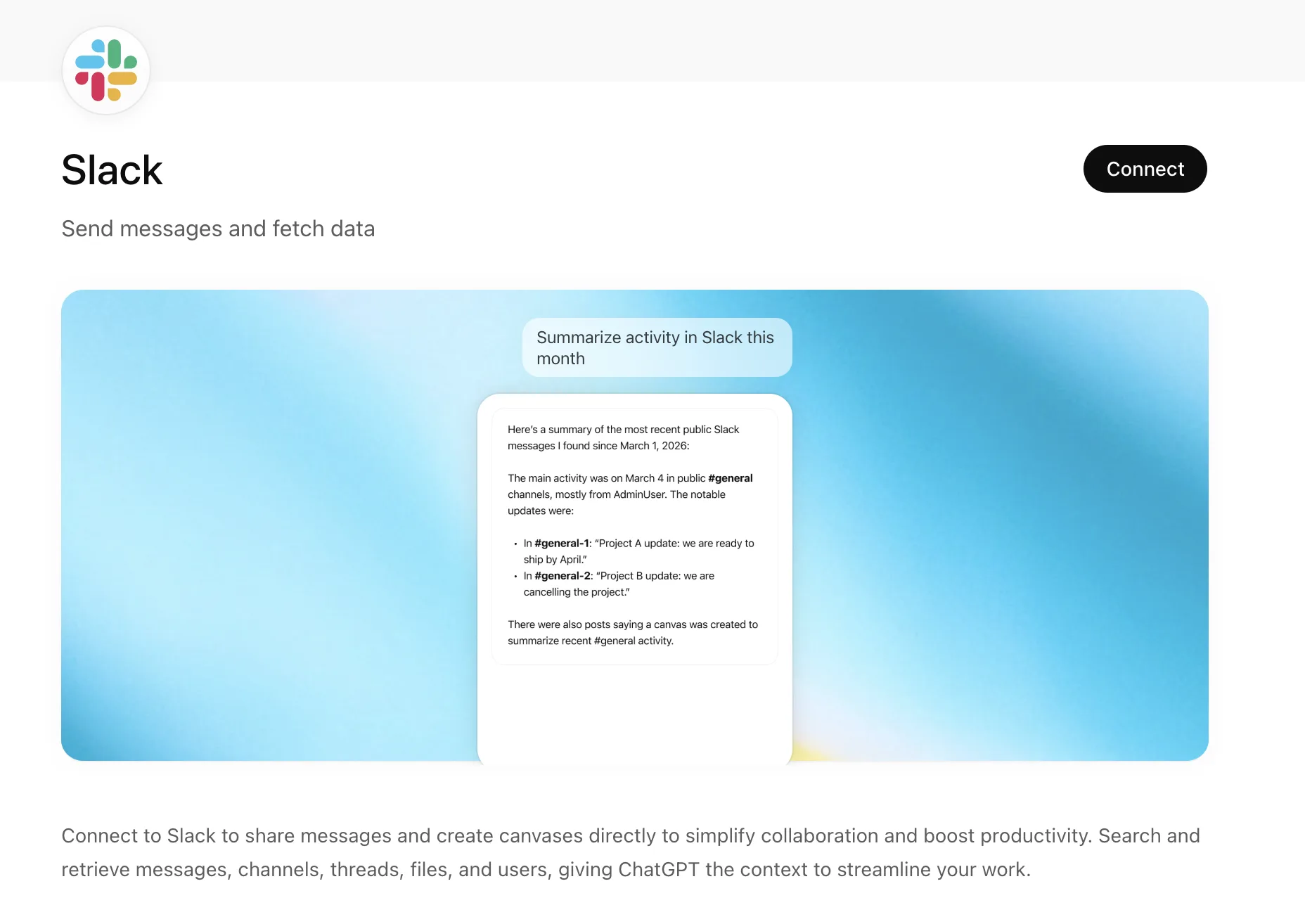
The Slack ChatGPT app brings workspace communication directly into your conversational thread to make internal data significantly easier to utilize. Instead of spending hours reading through hundreds of scattered messages, users can quickly summarize dense discussions, isolate critical decisions, and gather context right before important meetings.
Distributed teams can easily track long threads and extract clear action items without manually scrolling through channels. By operating directly within the chat window, this ChatGPT app ensures that chaotic conversation histories are transformed into functional, structured data summaries on demand in 2026.
Core Slack Features inside ChatGPT
- Search through workspace channels and specific user messages directly from the chat box
- Generate quick summaries of long conversational threads and comprehensive discussions
- Highlight major project decisions, action items, and crucial team updates instantly
- Retrieve precise background context to assist with upcoming meeting preparation
- Draft accurate message replies using the real-time context of your active conversations
Slack Pros
- Minimizes the manual time spent catching up on unread team messages
- Flags and highlights important project information with maximum speed
- Effectively supports asynchronous work environments by simplifying updates
- Streamlines corporate meeting preparation by delivering quick message recaps
Slack Cons
- The final output quality heavily depends on how clearly your teams communicate in their channels
- App access and data retrieval are strictly limited by your specific workspace permissions
Slack is best for
This ChatGPT app delivers excellent utility in 2026 for distributed teams, operational managers, project leads, and organizations that rely heavily on Slack for daily alignment.
Manus
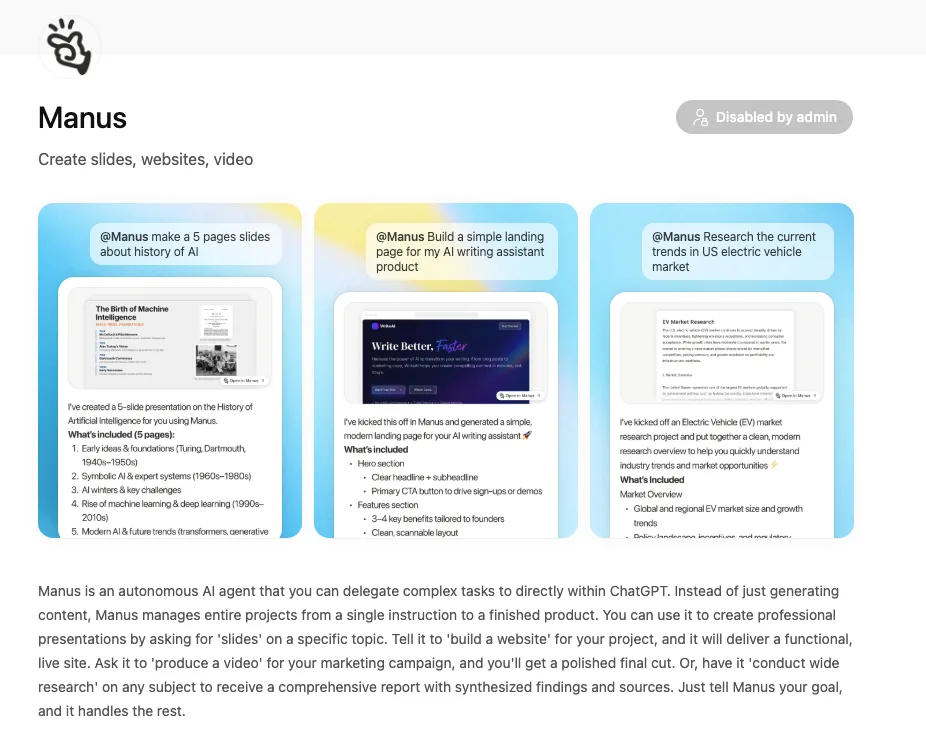
In 2026, the Manus ChatGPT app represents a new category of execution-focused tools designed to move beyond simple text generation. Operating as an autonomous AI agent, this ChatGPT app chains complex steps like web searching, data filtering, and content drafting to bridge the gap between initial goals and final execution.
The practical value of this tool lies in managing full-scale projects from a single prompt directly inside your chat window. Users can instruct the agent to generate professional presentations, build functional websites, or conduct deep market research workflows.
Learn More: 7 Best Free AI Website Builders with Free Domain and Hosting in 2026
Core Manus Features inside ChatGPT
- Execute fully autonomous, multi-step workflows based on open-ended user goals
- Generate structured corporate slides, presentations, and interactive dashboards from a single prompt
- Build functional, live websites and landing pages without requiring manual coding
- Conduct deep open-web industry research, competitor evaluations, and structured market intelligence
- Run multi-agent automated reasoning to solve complex processes and data analysis tasks
Manus Pros
- Provides unparalleled support for execution-focused tasks and highly complex projects
- Dramatically reduces manual coordination and hours of repetitive human effort
- High operational adaptability by revising and improving drafts interactively based on chat feedback
- Displays transparent decision-making by explaining its underlying reasoning step by step
Manus Cons
- The ChatGPT app frequently struggles with online captchas and paywalled academic or news sources
- Complex or exceptionally large-scope queries can occasionally cause system timeouts and service lag under heavy loads
Manus is best for
This ChatGPT app is best suited in 2026 for operations managers, startup founders, business analysts, consultants, and fast-moving teams that need to automate intricate processes with minimal human supervision.
Spotify
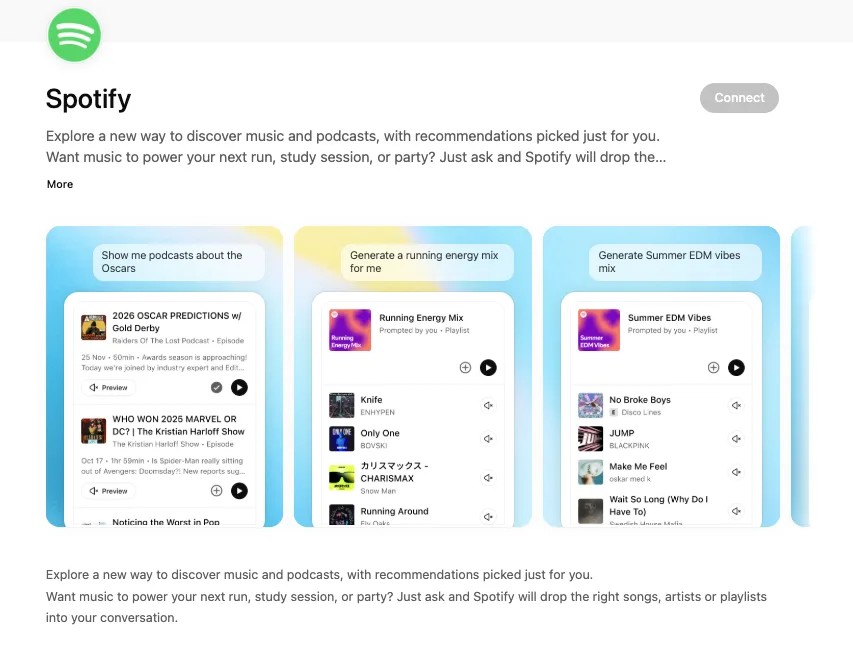
The Spotify ChatGPT app introduces audio discovery and playback seamlessly into your conversational workspace. Instead of operating as a strict business utility, this application focuses on creative focus and background enrichment by allowing professionals to explore music or podcasts in 2026 without interrupting their active chat threads. It serves as a helpful workflow companion when you require tailored audio to match specific project moods or creative themes.
Rather than leaving ChatGPT to manually search through audio platforms, you can use plain language prompts to discover content that fits your focus in 2026. While actual media playback continues smoothly within the primary Spotify application, the entire exploration process stays unified inside your chat interface.
Core Spotify Features inside ChatGPT
- Search for specific songs, artists, musical genres, and albums directly through text prompts
- Launch and play selected tracks or comprehensive playlists within Spotify in 2026
- Discover relevant podcasts related to the specific business or creative topics discussed in chat
- Generate custom playlists automatically by simply describing a mood, theme, or activity
- Receive highly personalized music recommendations based on your listening history records
Spotify Pros
- Enhances creative continuity by eliminating the need to jump between separate apps
- Simplifies the process of finding tailored focus music for remote work or study sessions
- Allows users to dynamically build contextual audio soundtracks during brainstorming chats
- Adds high convenience to the overall chat experience in 2026 without complicating data workflows
Spotify Cons
- The app requires an active, connected Spotify account to unlock its full operational capabilities
- It is designed solely as a lifestyle and focus companion rather than a core business data tool
Spotify is best for
This ChatGPT app is best suited for remote contributors, designers, content creators, and teams who use targeted audio content to maintain focus and improve their daily routines in 2026.
HubSpot
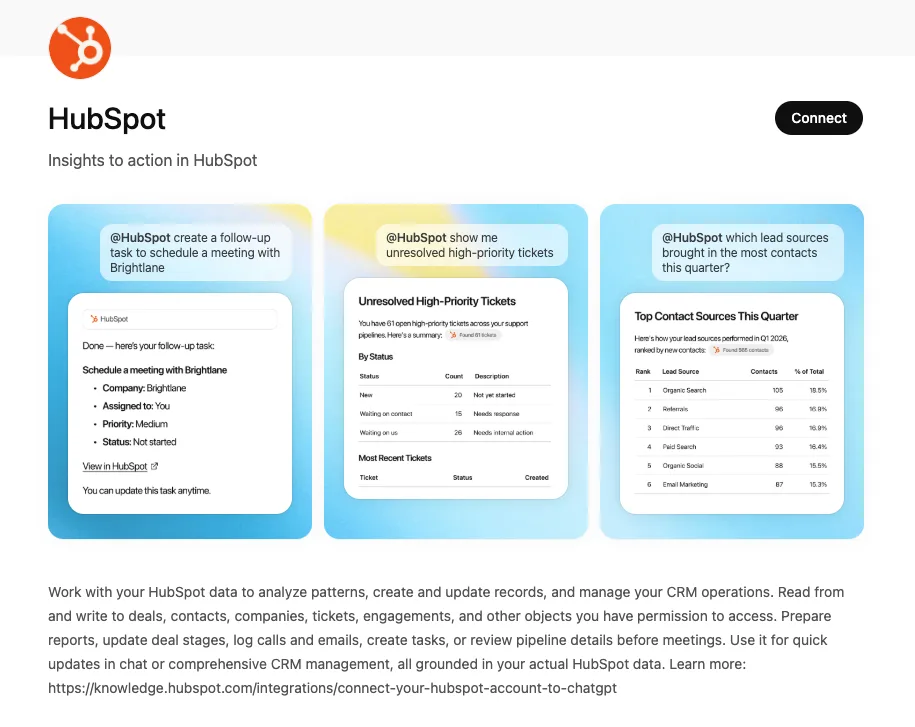
The HubSpot ChatGPT app brings customer relationship management and operational marketing data directly into your conversational workspace in 2026. Instead of forcing teams to move back and forth between separate sales tracking systems and communication windows, this ChatGPT app permits professionals to pull up client histories and examine real-time account details directly inside active discussions. It transforms how business client records are accessed in 2026 by delivering instant context right before critical sales presentations or client interactions.
The unique advantage of the HubSpot ChatGPT app lies in its secure, bi-directional functionality. Utilizing advanced data analytics, teams can use natural language prompts to explore their sales pipelines, track unresolved support tickets, or pinpoint exactly which lead sources generated the most contacts in 2026. Beyond simply reading data, users can actively write to their CRM by updating deal stages, logging customer calls, or assigning follow-up tasks without changing tabs.
Core HubSpot Features inside ChatGPT
- Analyze essential CRM datasets including contacts, deals, and customer support tickets securely
- Generate AI-powered reports covering sales pipelines, marketing engagement, and customer service metrics
- Create and update CRM data records, companies, and operational parameters directly from chat in 2026
- Log incoming customer calls and outgoing team emails contextually during workspace conversations
- Create immediate follow-up tasks and schedule operational items using basic conversational text
HubSpot Pros
- Seamlessly injects full CRM context and real-time customer histories into active chat screens
- Accelerates sales preparation workflows by giving account summaries on demand
- Supports proactive marketing and customer success operations with deep data analysis in 2026
- Lowers data extraction friction by allowing natural language queries across complex client databases
HubSpot Cons
- The final analysis and reporting accuracy depend heavily on continuous corporate CRM maintenance
- Intricate, platform-wide architecture setups and deep database configurations still require opening HubSpot
HubSpot is best for
This ChatGPT app provides immense practical value for sales divisions, digital marketers, client success specialists, agencies, and expanding organizations looking to build data-driven habits in 2026.
Conclusion
The apps inside the ChatGPT directory shifts the platform from a conversational assistant to a direct execution hub. Integrating daily tools like Jotform, GitHub, Slack, and HubSpot into a single window allows teams to cut down on context switching and speed up project delivery.
Choosing integrations that prioritize action-oriented design and context retention helps companies build a high-efficiency digital workspace. As execution-focused tools like Manus continue to evolve, leveraging these conversational layers remains the fastest way to turn routine chat threads into tangible business outcomes in 2026.
Frequently Asked Questions
Find quick answers to common questions about this topic