
The Critical Importance of WordPress Maintenance
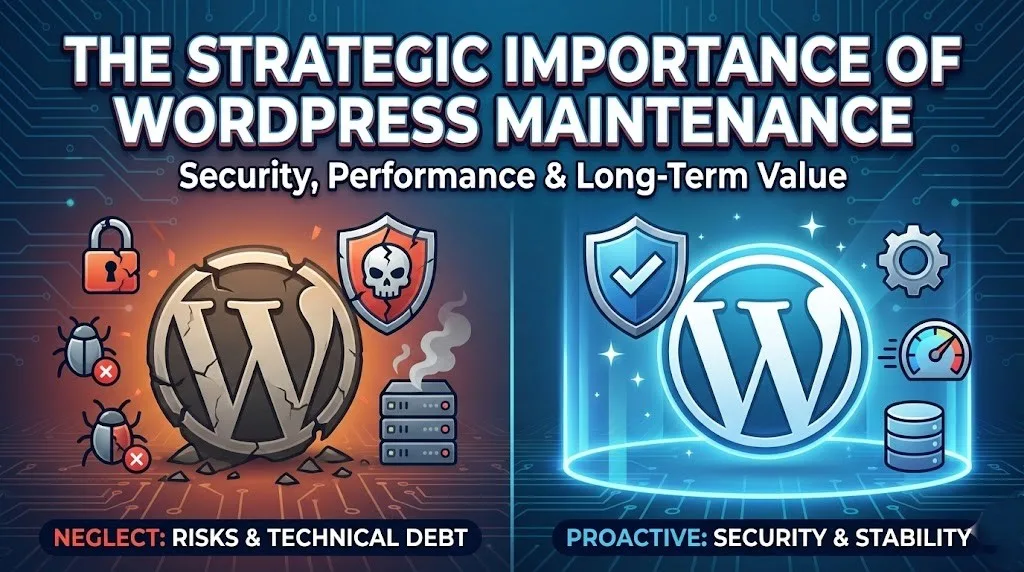
WordPress maintenance is the non-negotiable process of keeping a website secure, functional, and fast through regular updates, database optimization, and security patching. It prevents catastrophic failures caused by software conflicts, closes security loopholes that hackers exploit, and ensures the site maintains the high performance required for search engine visibility.
What Is Bot Traffic & How To Stop It (Practical Guide)
The Logic: Security, Stability, and Speed
The primary driver for consistent maintenance is security. As the world's most popular CMS, WordPress is a frequent target for automated bot attacks. Developers and security teams continuously release patches to close vulnerabilities in the core software, themes, and plugins. Failing to apply these updates leaves a website’s "attack surface" exposed, transforming a digital asset into a liability. A neglected site is not a matter of if it will be compromised, but when.
Beyond security, maintenance addresses technical debt and performance. Over time, WordPress databases accumulate "bloat" in the form of post revisions, spam comments, and expired transients. This excess data slows down database queries, resulting in sluggish page loads that frustrate users and hurt Core Web Vitals scores. Regular optimization clears this debris, ensuring the backend runs efficiently.
Finally, maintenance ensures interoperability. The web ecosystem is dynamic; PHP versions on servers change, and third-party APIs evolve. Regular maintenance ensures that the WordPress core, the active theme, and all plugins remain compatible with the server environment and each other, preventing the "white screen of death" often caused by version conflicts.
Why WordPress Business Websites Need Ongoing Maintenance
Monthly Maintenance Checklist
To maintain an enterprise-grade WordPress environment, technical teams should adhere to a rigorous schedule.
| Task | Frequency | Technical Objective |
| Off-Site Backups | Daily/Weekly | Ensure data redundancy separate from the hosting environment for disaster recovery. |
| Core & Plugin Updates | Weekly | Patch security vulnerabilities and ensure code compatibility. |
| Database Optimization | Monthly | Remove overhead (transients, revisions) to improve query response time. |
| Uptime Monitoring | Real-time | Detect and resolve server outages immediately to minimize downtime. |
| Security Scanning | Weekly | Identify malware signatures or unauthorized file changes. |
Frequently Asked Questions
Find quick answers to common questions about this topic