A WordPress business website absolutely needs ongoing maintenance because it runs on continuously evolving software - core, themes, and plugins - that must be kept updated for security, performance, and reliability; neglecting this increases hack risk, downtime, and lost leads or revenue significantly. No, reputable software companies aren’t “cheating”; maintenance is a real, recurring need similar to servicing a car - most vulnerabilities arise in third?party plugins and themes, not WordPress core, and timely updates, backups, and monitoring are what keep sites healthy and profitable.
What “maintenance” really means
Maintenance covers routine updates, backups, security monitoring, performance optimisation, uptime checks, and fixes for plugin/theme conflicts that arise over time with new releases and hosting changes. It also includes scanning for malware, renewing SSL, fixing broken links/forms, cleaning spam, and auditing content or analytics to protect rankings and conversion paths.
Is WordPress insecure without maintenance?
WordPress core is relatively secure when updated promptly; in 2023, only about 0.2% of 5,948 new vulnerabilities were in core, and they were low?severity - most risk comes from outdated plugins/themes and missed patches, not the core system itself. Attackers increasingly automate scans to find outdated installations at scale, so falling behind on updates materially raises exploit risk, especially for abandoned or “zombie” plugins.
Learn More: Is Website Development an Intangible Asset?
If nothing changes, can a site be left alone?
Even a “static” brochure site cannot be safely left untouched because hosting stacks, PHP versions, browsers, and dependency libraries change, and plugin authors release security and compatibility updates that must be applied to avoid breakage or exposure. Neglect typically shows up as slowdowns, broken forms, failed payments/CTAs, 404s, and eventual blacklisting or defacement if a known vulnerability remains unpatched.
Are maintenance plans a money grab?
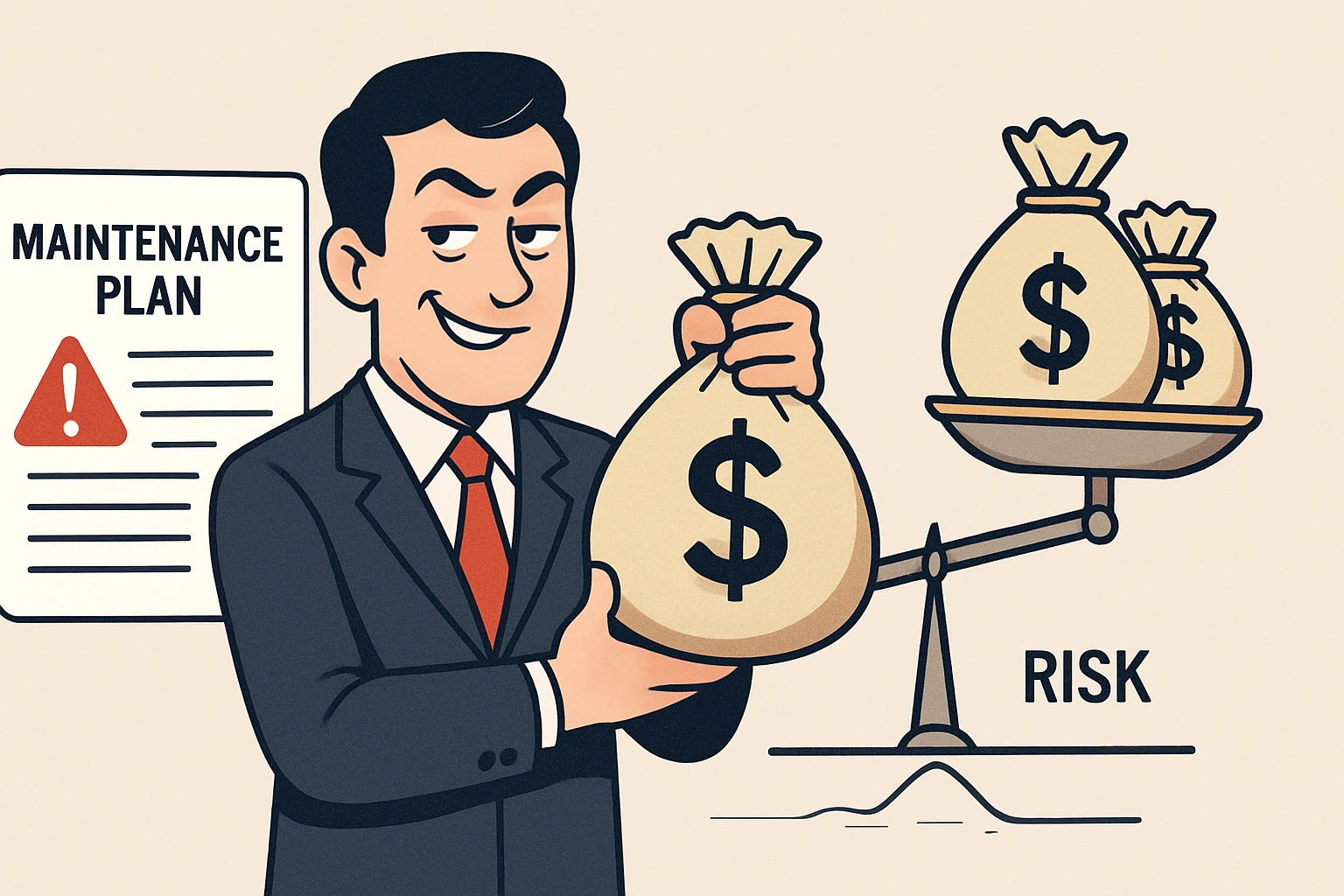
Legitimate maintenance exists because the plugin/theme ecosystem is dynamic and most vulnerabilities arise outside of core; structured routines reduce downtime risk, improve UX speed, and protect search visibility - the fundamentals that generate leads and revenue. Well?defined plans publish clear task checklists and frequencies (daily backups/scans, weekly updates/tests, monthly audits), aligning effort with measurable outcomes like uptime, speed, and organic traffic stability.
Security realities business owners should know
- Vast majority of WordPress security issues originate from plugins (?97%) and a small share from themes; core issues are rare and low?severity when sites are kept current.
- Vulnerabilities are rising year. over year, and attackers use automated tools and AI to find weak sites quickly, so the update window matters more than ever.
- In past analyses, a large share of hacked CMS sites were simply running outdated software at the time of infection - updates and hardening are the primary defense.
Business impact of skipping maintenance
- Lost leads and revenue: a 1-second delay can reduce conversions significantly, and slow, broken, or blocked pages erode trust fast for SMBs and clinics alike.
- SEO decline: unresolved errors, broken links, malware flags, and slow performance reduce crawl efficiency and rankings, lowering discovery and bookings.
- Incident cost and downtime: recovering a hacked site often costs more than a year of maintenance, including cleanup, restore, and reputation repair.
What tasks belong in a proper plan
- Daily: automated off-site backups and security scans for malware/vulnerabilities across files and the database.
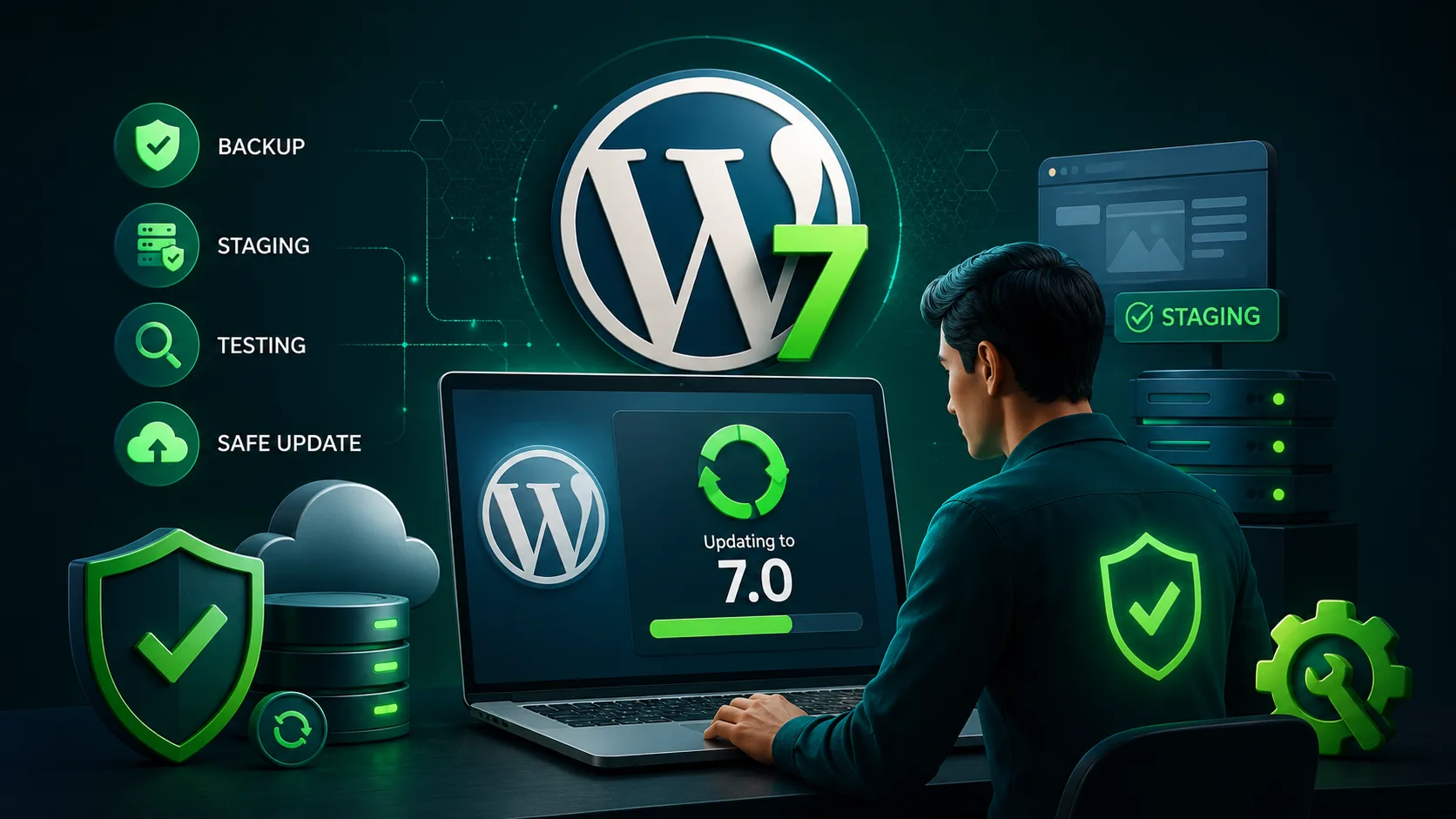
- Weekly: plugin/theme/core updates with staging tests, spam cleanup, form testing, error log review, and uptime checks.
- Monthly/quarterly: performance tuning, broken link fixes, content and schema audits, SSL/expiry checks, and review of abandoned plugins.
How updates prevent real breaches
Applying timely patches blocks public exploits; for example, the infamous REST API incident defaced sites that delayed upgrading, while those with updates or auto?updates enabled remained safe. With most new issues stemming from plugin ecosystem churn, routine updates and pruning “zombie” plugins materially cut the attack surface.
Signs a site is overdue for maintenance
- Dashboard warnings, frequent 500 errors, or deprecation notices after PHP/host changes.
- Sluggish pages, Core Web Vitals regressions, and spikes in bounce or drop in conversions.
- Broken forms, missing images, or pages returning 404/410 or mixed?content notices.
What “good” maintenance looks like
- Version-controlled updates in staging, with rollback and release notes, then scheduled production deployment during low?traffic windows.
- Hardened security stack: WAF, 2FA, least?privilege roles, disabled file editing, restricted XML?RPC if not needed, and regular malware scans.
- Observability: uptime alerts, error and access log reviews, performance monitoring, and SEO health checks in a documented monthly report.
Why website hosting still matters
Even with updates, poor hosting can negate gains; uptime, PHP versions, server caching, and backup policies vary widely across providers and directly influence reliability and recovery options. Choosing reliable infrastructure with strong uptime SLAs reduces downtime exposure and supports safe maintenance windows.
Learn More: How to Choose a Reliable Hosting Provider for Your Business Website
Cost vs value: what’s fair
Transparent plans tie price to scope and frequency - automated backups/scans plus weekly updates cost less than managed staging, performance engineering, and SLA response times. Buyers should expect a written checklist, reporting cadence, response SLAs, and a clear change management process to ensure accountability and value delivery.
Common myths, debunked
- “Core updates are risky, better to avoid.” Core vulnerabilities are few and low in severity; skipping updates is riskier than applying them promptly with rollback safety.
- “If no blog posts, no maintenance needed.” Security patches, PHP/host changes, and browser standards evolve regardless of content publishing.
- “Free security plugins are enough.” Defence in depth requires updates, backups, hardening, and monitoring - not a single tool.
Practical checklist to adopt now
- Enable automatic minor core updates; plan scheduled windows for major updates after staging tests.
- Replace abandoned plugins; verify last update date and active support before each install to avoid “zombie” risk.
- Maintain daily off-site backups with 30 - 90 day retention and test restores quarterly.
Who benefits most from a plan?
Regulated and professional services (clinics, law, finance) that must protect form data and avoid reputational harm from downtime or defacement.
Transactional SMEs where leads, orders, or appointment bookings depend on forms, search visibility, and site speed for revenue generation.
Strategic takeaways for the decision makers
Treat the site as a living business system, not a one-time asset; align maintenance with revenue and reputation protection goals.
Focus governance on plugin hygiene, prompt patches, backups, and monitoring, the levers that mitigate the 97% plugin-driven risk profile.
Use structured checklists and reporting to maintain accountability and budgeting transparency quarter to quarter.
Frequently Asked Questions
Find quick answers to common questions about this topic