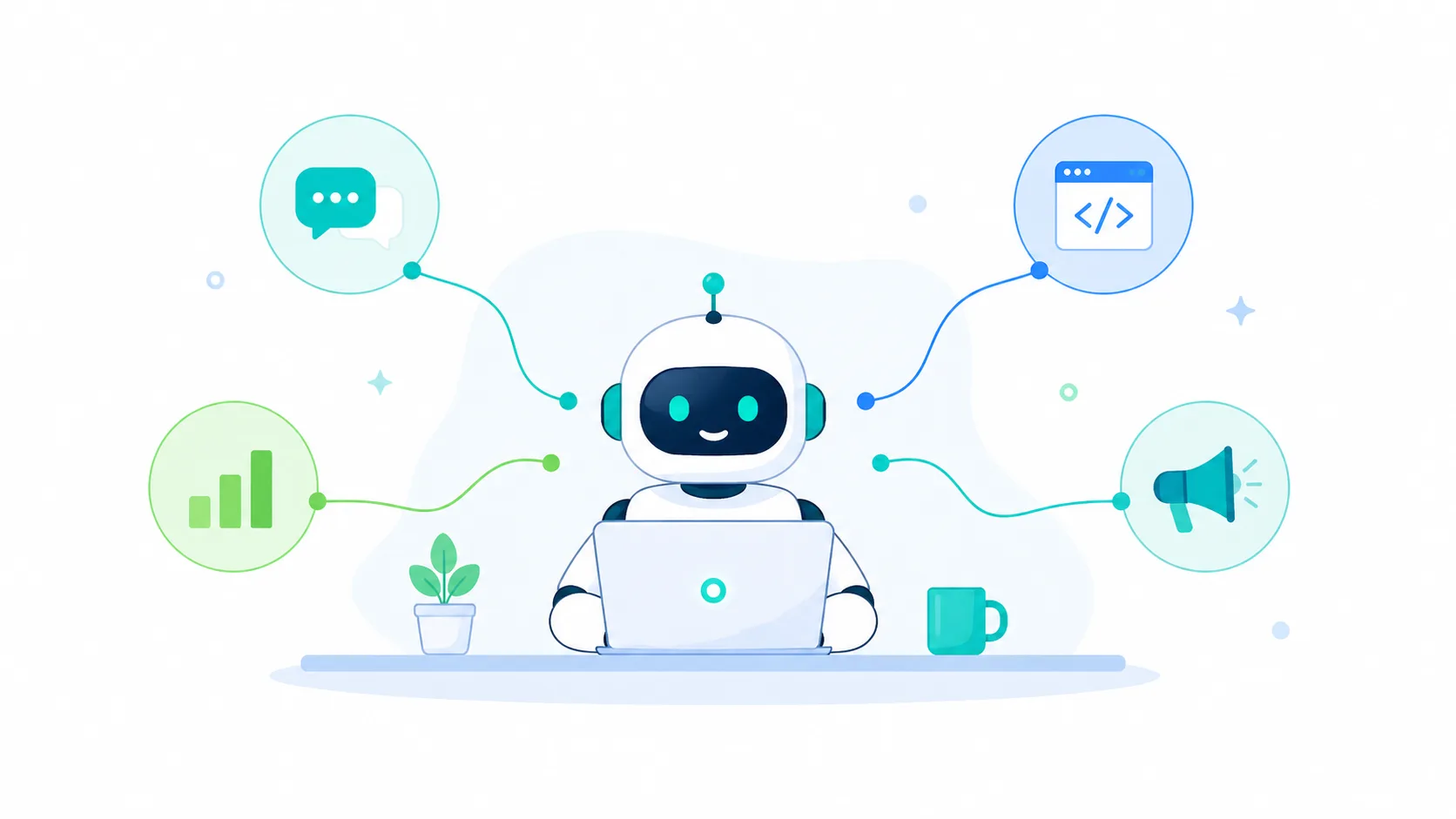
Every major shift in business technology follows the same pattern. The tools that once felt cutting-edge start to feel slow. The workflows built around them start to feel like friction. And then a new category emerges that makes the previous generation look like it was working too hard to do too little.
The shift from desktop software to SaaS was one of those moments. Businesses stopped managing local installations and started accessing tools through a browser. Costs dropped, collaboration improved, and the pace of work accelerated. Most businesses have now completed that transition and consider SaaS the default.
The next transition is already underway. Traditional software, including SaaS, does what you configure it to do. You set it up, you trigger it, and it executes the task. AI agents work differently. You give them a goal, they determine the steps, execute across multiple tools, and deliver the outcome without a human directing each action. The difference sounds technical. The business impact is not. This article explains what AI agents actually are, how they compare to traditional software across real business functions, and how to decide where to start adopting them in 2026.
What Is an AI Agent?
An AI agent is software that receives a goal, decides the steps needed to reach it, uses tools to execute those steps, and reports back without a human directing each action in between. You describe what you want done. The agent figures out how.
How This Differs From Traditional Software
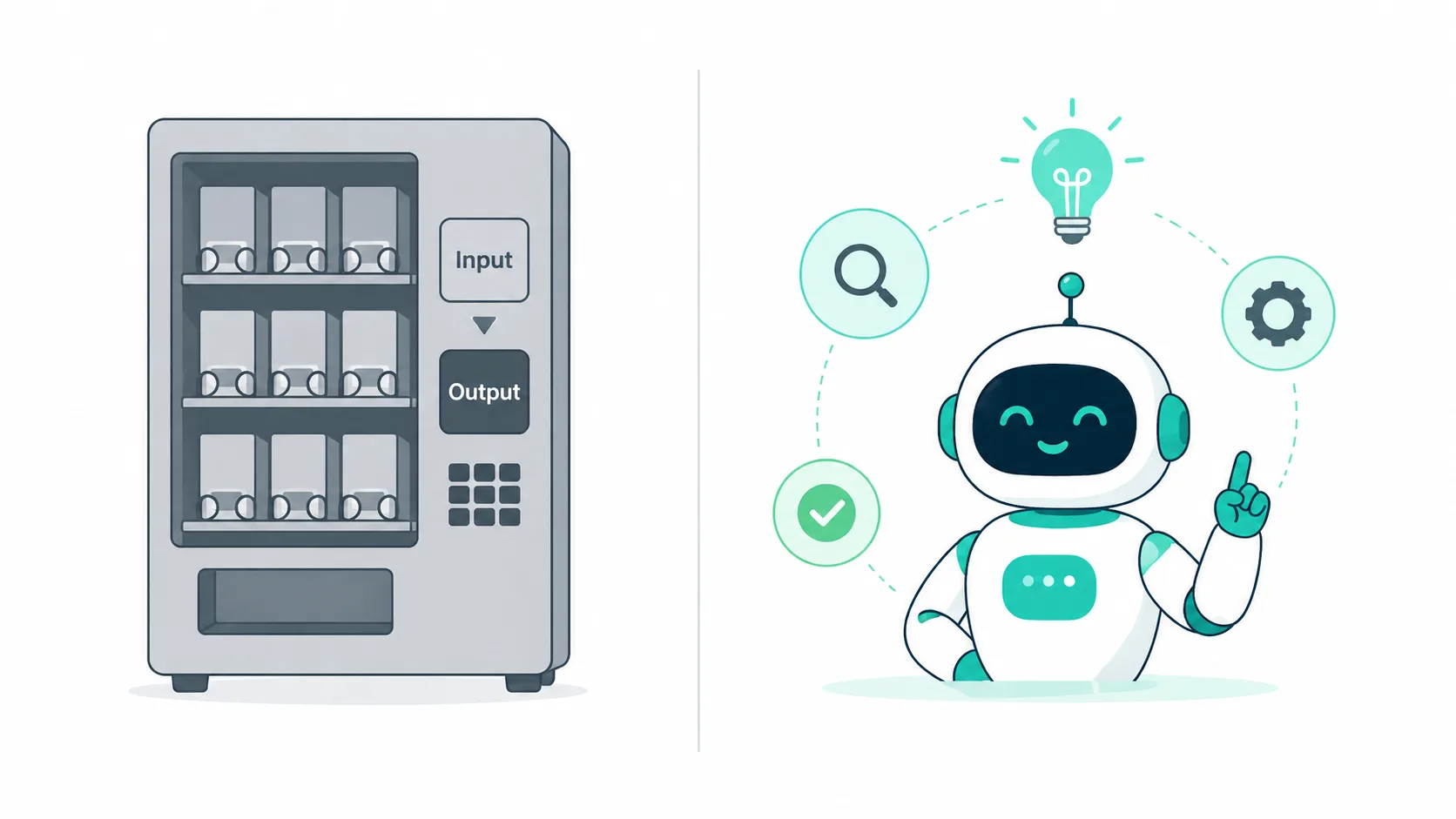
Traditional software is deterministic. You configure it, you trigger it, and it does exactly what you set it up to do. Every time. Nothing more, nothing less. If a situation falls outside what you configured, it stops and waits for a human.
AI agents are goal-oriented. They interpret the intent behind a request, break it into a sequence of actions, execute those actions using available tools (APIs, databases, browsers, code runners), handle unexpected situations by adapting their approach, and return a result.
A simple analogy: traditional software is a vending machine. Press the right button in the right sequence and you get the result you programmed. An AI agent is more like a capable employee. Tell them what you need done, and they figure out how to do it.
The 3 Types of AI Agents Businesses Are Using in 2026
Not all AI agents work the same way. Businesses in 2026 are deploying three broad categories:
Conversational agents handle communication tasks. Customer support bots that resolve queries autonomously, sales qualification agents that engage leads before a human steps in, and internal knowledge agents that answer employee questions from company documentation all fall into this category. Tools in this space include Claude, ChatGPT, and Intercom Fin.
Workflow agents automate multi-step business processes across multiple tools. They can receive a trigger (a new form submission, an email, a calendar event), run a sequence of actions across different platforms, and complete a process end to end. Zapier AI, Make, and n8n are the most widely used platforms in this category.
Technical agents operate at the code and infrastructure level. They write code, review pull requests, run tests, and manage deployment pipelines. GitHub Copilot Workspace, Cursor Agent, and agentic deployment platforms that automatically ship code to production without manual configuration all belong here.
Traditional Software vs AI Agents: Category by Category
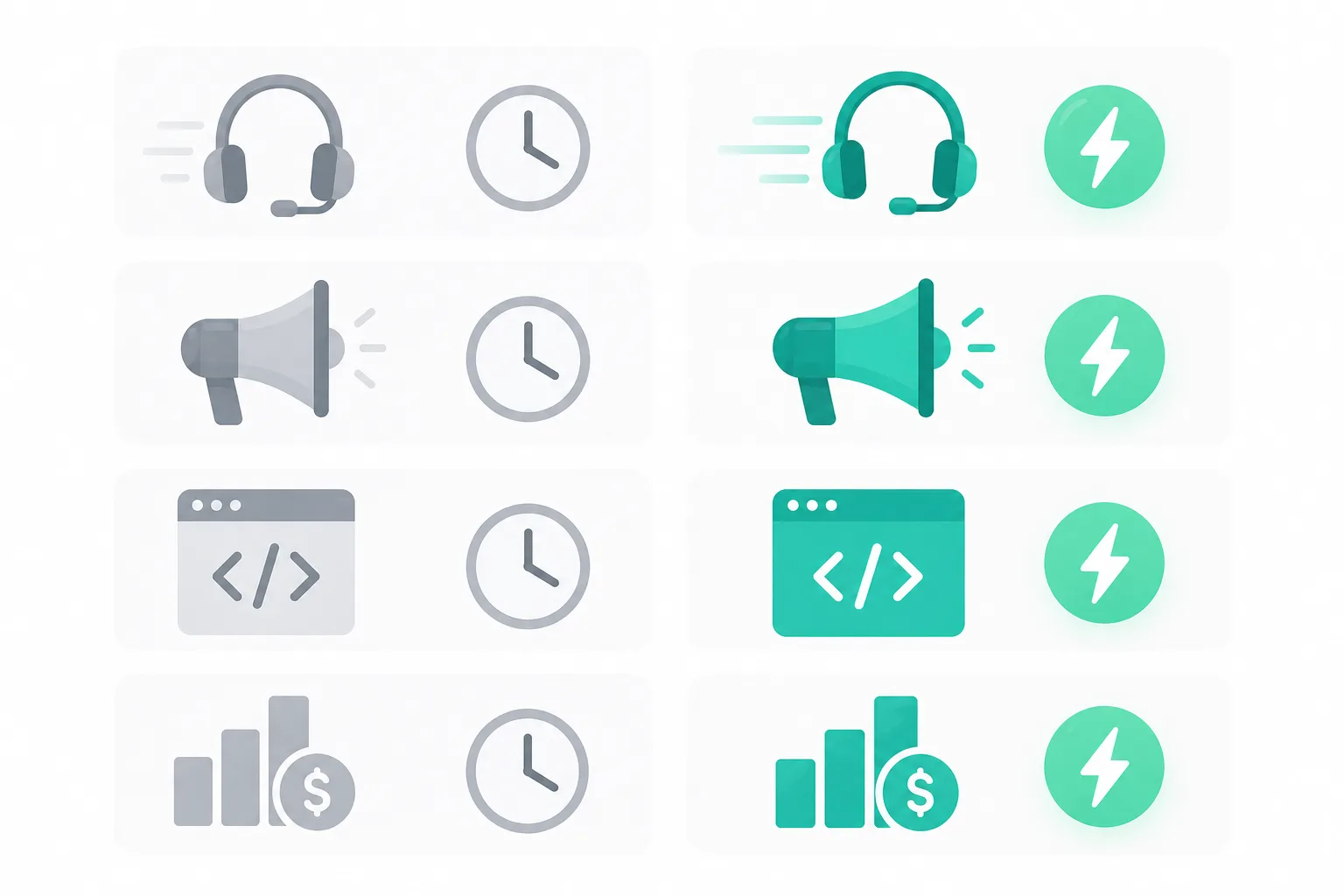
The clearest way to understand the business impact of AI agents is to look at the specific functions where they are replacing or augmenting traditional software. Here is how the comparison plays out across four core business areas.
Customer Support
Traditional approach: A ticketing system like Zendesk or Freshdesk receives a customer query, creates a ticket, routes it to a human agent, and waits. The human reads the ticket, checks the knowledge base, types a response, and closes the ticket. Average handling time for a tier-1 query is 8 to 12 minutes. During peak periods, queues build up and response times degrade.
With AI agents: The agent receives the query, searches the knowledge base, checks order history or account details if needed, composes a response, and resolves the ticket autonomously. If the query is outside its confidence threshold, it escalates to a human with a full summary already prepared. Current enterprise deployments are resolving 60 to 70 percent of tier-1 tickets without any human involvement. Response times drop from minutes to seconds.
Marketing and Content Operations
Traditional approach: A campaign requires a brief, a copywriter, a designer, a scheduler, and a review loop. From brief to published content, the cycle typically takes two to five days depending on team size and workload. Producing content at scale requires proportionally more headcount.
With AI agents: A marketing agent takes a brief, generates copy variations, produces image prompts or basic visuals, formats content for each channel, schedules publication, and queues A/B test variants for review. Content output per person increases three to five times. Campaign turnaround drops from days to hours. The human role shifts from production to direction and quality control.
Development and Deployment
Traditional approach: A developer writes code, opens a pull request, waits for a teammate to review it, addresses feedback, merges the branch, and then manually configures or triggers a deployment pipeline. The deployment itself involves environment variables, server configuration, database migrations, and post-deploy verification. For teams without dedicated DevOps resources, this process introduces hours of overhead per feature.
With AI agents: Agent-mode coding tools like Cursor Agent scaffold features across multiple files, matching the existing codebase style and avoiding breaking changes. Automated review agents check pull requests before a human reviewer sees them, flagging logic errors and security issues in advance.
On the deployment side, one-click automated software deployment platforms (like kuberns) read the project, detect the stack automatically, provision infrastructure, run database migrations, and ship to a live HTTPS URL on every push, with no manual configuration required at any point. What used to take hours of DevOps work now happens in the background while the developer moves on to the next task.
Finance and Operations
Traditional approach: Accounting software like QuickBooks or Tally requires a human to input transactions, reconcile accounts, categorise expenses, and generate reports. Month-end close is a labour-intensive process that pulls finance team members away from higher-value work for days at a time.
With AI agents: Finance agents read bank feeds and transaction records, categorise expenses automatically using learned patterns, flag anomalies for human review, generate reports on demand, and draft payment reminders without manual input. Finance teams are handling significantly higher transaction volumes with the same headcount, and the error rate on routine categorisation is lower than manual entry.
Why Businesses Are Making the Switch Now (Not Earlier)
The technology behind AI agents has existed in some form for several years. The question worth asking is why adoption has accelerated so sharply in 2026 specifically, rather than earlier.
The Cost Curve Has Flipped
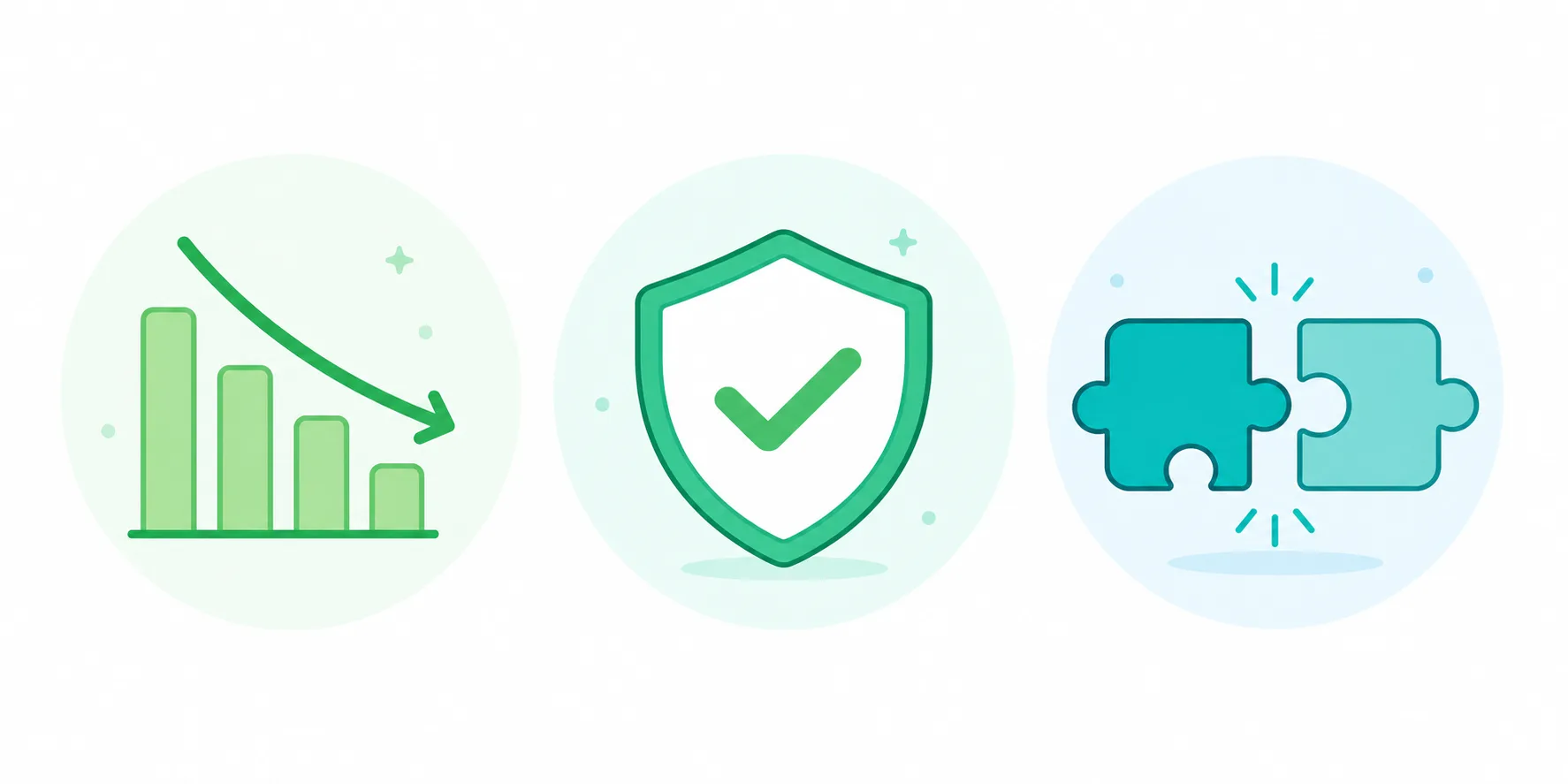
Running an AI agent to complete a routine task now costs less than having a human complete the same task in most operational contexts. In 2022, the compute cost of running capable AI models was high enough that the economics only made sense for high-volume enterprise use cases. By 2025 that threshold had dropped significantly, and by 2026 the cost-per-task for AI agents is competitive with human labour costs for a wide range of routine work. For small and medium businesses that could never afford to hire specialists for every function, this is a fundamental change in what is economically accessible.
The Reliability Threshold Has Been Crossed
Early AI tools made enough errors that deploying them for business-critical tasks carried real risk. The reliability of current models on structured, repeatable tasks drafting standard responses, categorising transactions, reviewing code for common issues, configuring deployment environments has reached a level where the error rate is comparable to or lower than human performance on the same tasks. This is the threshold businesses were waiting for before committing to agent adoption, and most categories have now crossed it.
As explored in an analysis of why traditional businesses struggle to adapt online (https://tengspectrum.com/blog/why-traditional-businesses-struggle-online/), the businesses that delay adopting new technology categories consistently find themselves at a structural disadvantage once the adoption curve steepens. AI agents are now at that inflection point.
Integration Friction Has Largely Disappeared
Earlier AI tools required significant technical work to connect to existing business systems. In 2026, the major AI platforms have native integrations with the tools businesses already use: Slack, Google Workspace, Salesforce, GitHub, Shopify, Notion, and most popular CRMs and ERPs. Adopting an AI agent layer no longer means rebuilding the tech stack. It means adding an intelligent layer on top of what already exists.
Where to Start: A Practical Framework for Adopting AI Agents
Knowing that AI agents are valuable and knowing where to start adopting them are two different problems.
Most businesses that struggle with AI adoption do so not because the tools are not ready, but because they try to change too much at once or start in the wrong place. The following framework is designed to make the entry point concrete.
Step 1: Audit Your Repetitive Workflows
Start by listing every task that happens more than three times a week and follows a predictable, repeatable pattern. These are the highest-value targets for agent automation because they are the easiest to hand off and the ones where time savings compound most quickly. Common candidates include responding to tier-1 support queries, drafting social media content, processing and categorising invoices, running post-deploy checks, and generating weekly performance reports.
Step 2: Prioritise by Impact and Ease
Not every automatable task is equally worth automating first. Plot your list against two dimensions: how much time the task currently consumes, and how straightforward the automation path is. High-impact tasks with a clear automation path, customer support tier-1, content drafting, invoice processing should go first. High-impact tasks with more complexity, like development workflows or complex customer success processes, come next once you have built confidence with simpler deployments.
Step 3: Start With One Agent and Measure It
Pick one workflow, deploy one agent, and track the before-and-after on three metrics: time spent per week, error rate, and team satisfaction with the process. Do not attempt to replace the entire stack in the first quarter. Agent adoption works best when it is incremental, each successful deployment builds confidence and reveals the next best candidate.
Step 4: Design the Human-Agent Workflow Deliberately
The most effective AI agent deployments are not ones where the agent operates entirely autonomously. They are ones where the division of labour between human and agent is explicitly designed. The agent handles volume, speed, and routine. The human handles exceptions, judgment calls, and final approval on anything consequential. Build this handoff into the workflow from the start rather than retrofitting it after problems arise.
The Risks of Moving Too Fast (and How to Avoid Them)
AI agent adoption carries real risks when it is approached without appropriate guardrails. Understanding the common failure modes in advance is the most reliable way to avoid them.
Over-automation is the most frequent mistake. Removing human judgment from decisions that require context handling an angry customer complaint, communicating during a service outage, responding to a legal or compliance query, creates situations where the agent produces a technically correct but contextually wrong response. The rule is straightforward: automate the volume, keep humans on the judgment calls.
Data privacy is a non-trivial concern. AI agents that access customer records, financial data, or internal communications need clearly defined access controls. Before deploying any agent that touches sensitive data, audit what it can access, ensure it operates within your data handling policies, and confirm that the vendor's data processing terms are acceptable for your use case.
Vendor lock-in becomes a risk as agent adoption deepens. Building critical business workflows on a single AI provider's platform creates brittleness. If the provider changes pricing, deprecates a feature, or experiences downtime, your operations are directly affected. Build with this in mind: prefer platforms with clear data portability, maintain fallback procedures for critical workflows, and avoid architecting around proprietary features that have no equivalent elsewhere.
Security hygiene around agent access is also worth specific attention. An agent with broad permissions across your systems is a significant attack surface if credentials are compromised or the agent is manipulated through a malicious input. Treat agent credentials with the same discipline as human administrator accounts. As covered in a detailed breakdown of infrastructure-level security threats, the attack surface of modern digital infrastructure requires active management rather than passive trust.
What the Tech Stack Looks Like for a Forward-Thinking Business in 2026
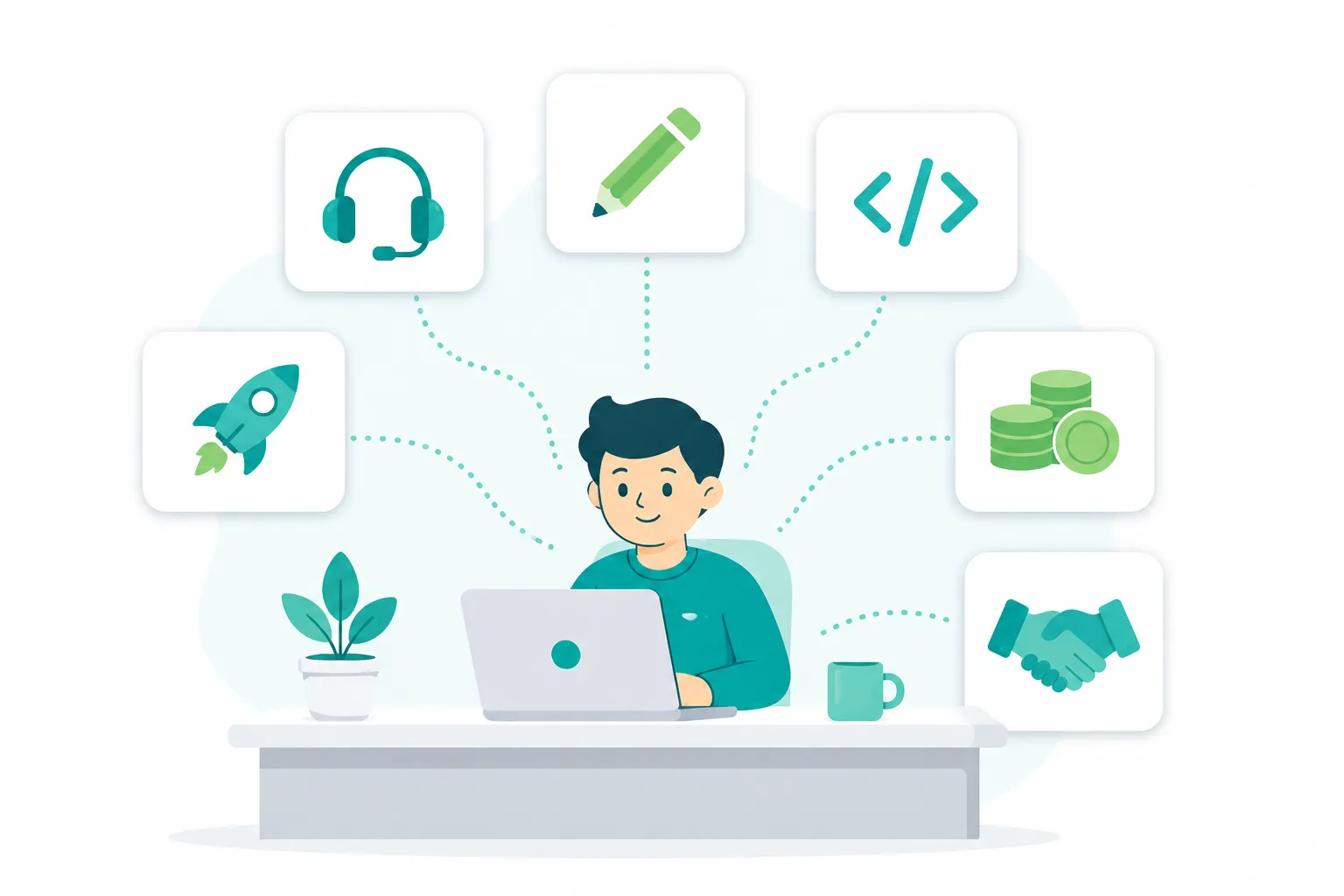
To make this concrete, consider how a 10-person digital agency running a fully AI-assisted operation in 2026 structures its stack.
? Customer support is handled at tier-1 by a conversational AI agent integrated into their helpdesk. The agent resolves standard queries, checks project status, and escalates complex issues to a human account manager with a full conversation summary.
? Content production uses Claude or a similar model for first drafts of blog posts, social copy, and email campaigns. A human editor reviews and refines. Output per content person has roughly tripled compared to fully manual production.
? Development uses Cursor Agent for feature scaffolding and automated code review tools on every pull request. The developer reviews and approves; the agent handles the first pass on both writing and reviewing code.
? Deployment runs on an agentic platform that ships to production automatically on every approved merge. There is no deployment day, no deployment checklist, and no DevOps specialist required. Code merges and the agent ships it.
? Finance uses an AI-assisted accounting tool that categorises transactions, flags anomalies, and generates weekly reports. A finance lead reviews and approves monthly close.
The human team focuses entirely on strategy, client relationships, creative direction, and quality review. Every high-volume, repeatable operational task runs through an agent. The agency operates at a capacity that would have required twice the headcount in 2022.
This is not a projection. It is a description of how the most operationally efficient small teams are already working in 2026.
Frequently Asked Questions
Find quick answers to common questions about this topic