What Is an SSH Key?
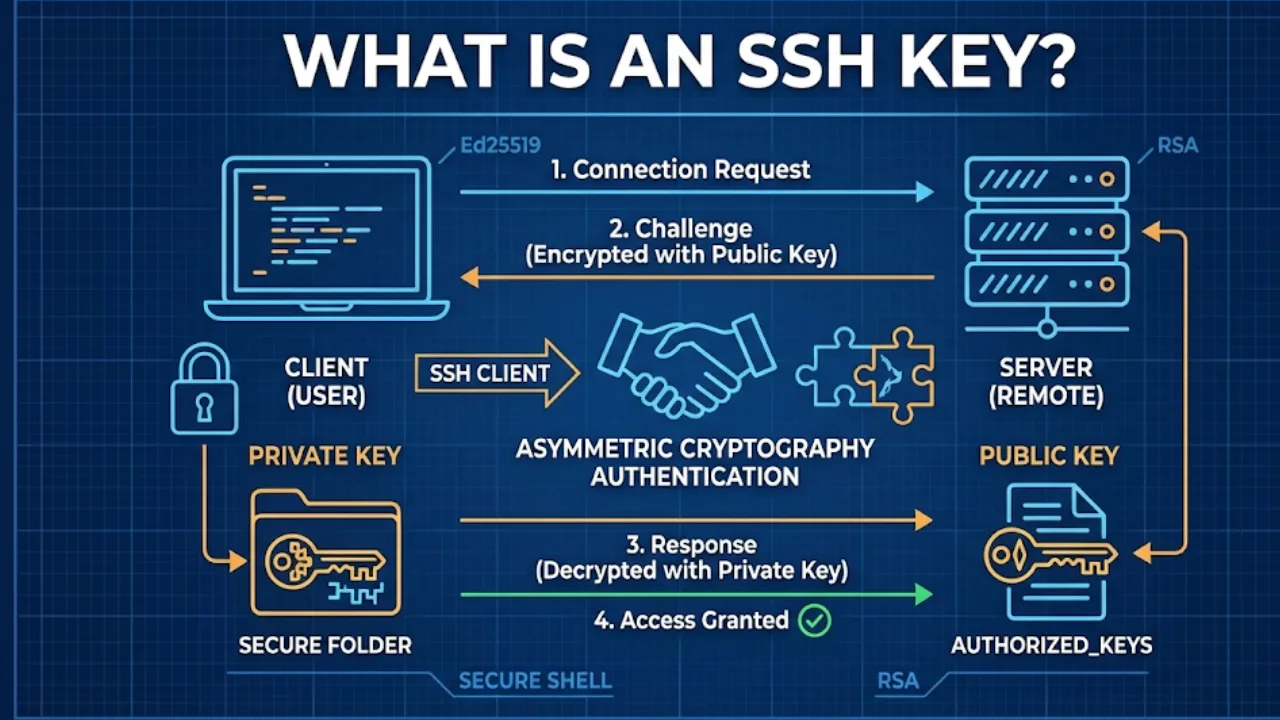
An SSH (Secure Shell) key is an access credential used in the Secure Shell protocol to authenticate encrypted connections between a client and a remote system. Unlike standard passwords, SSH keys utilize asymmetric cryptography, generating a mathematically linked pair consisting of a public key and a private key. The private key remains exclusively on the client machine, while the public key is placed on the destination server to verify the client’s identity without ever exposing the credential across the network.
The Mechanics of Asymmetric Authentication
SSH keys provide a superior security posture compared to password-based authentication by eliminating susceptibility to brute-force attacks and credential sniffing. When a client attempts to connect, the server uses the stored public key to encrypt a random "challenge" message. This message can only be decrypted by the associated private key held by the client.
If the client successfully decrypts the challenge and returns the correct response, the server grants access. This process, known as a challenge-response handshake, ensures that authentication is strictly a proof of possession. The private key never leaves the local environment, making it the standard for securing infrastructure access.
From an operational perspective, SSH keys are critical for automation. They enable password-less logins for scripts, configuration management tools like Ansible, and CI/CD pipelines. This facilitates automated deployments and server maintenance without requiring human intervention or storing plaintext passwords in scripts.
How to Protect Your VPS from DDoS Attacks
Core Components of SSH Architecture
Public vs. Private Key Roles
The public key (id_rsa.pub or similar) is designed to be shared. It is appended to the ~/.ssh/authorized_keys file on any server you wish to access. The private key (id_rsa) acts as the identity proof. It must be secured with strict file permissions (typically 600) to prevent unauthorized reading by other users on the host system.
Encryption Algorithms
Legacy systems often rely on RSA (Rivest–Shamir–Adleman) keys, but modern infrastructure increasingly favors Ed25519. Ed25519 keys offer better performance and higher security with smaller key sizes compared to RSA. Selecting the correct algorithm impacts both the speed of the handshake and the long-term cryptographic resistance of the connection.
Passphrase Protection
While SSH keys allow password-less server entry, the private key file itself should be encrypted with a passphrase on the local disk. This adds a layer of defense-in-depth; if a developer’s laptop is compromised, the attacker cannot use the private key without also knowing the passphrase that decrypts it into memory.
Identity Management
In enterprise environments, SSH keys function as digital identities. Effective management requires regular rotation and auditing of the authorized_keys files across the fleet. Stale keys from former employees or deprecated services represent a significant security vector and must be purged systematically.
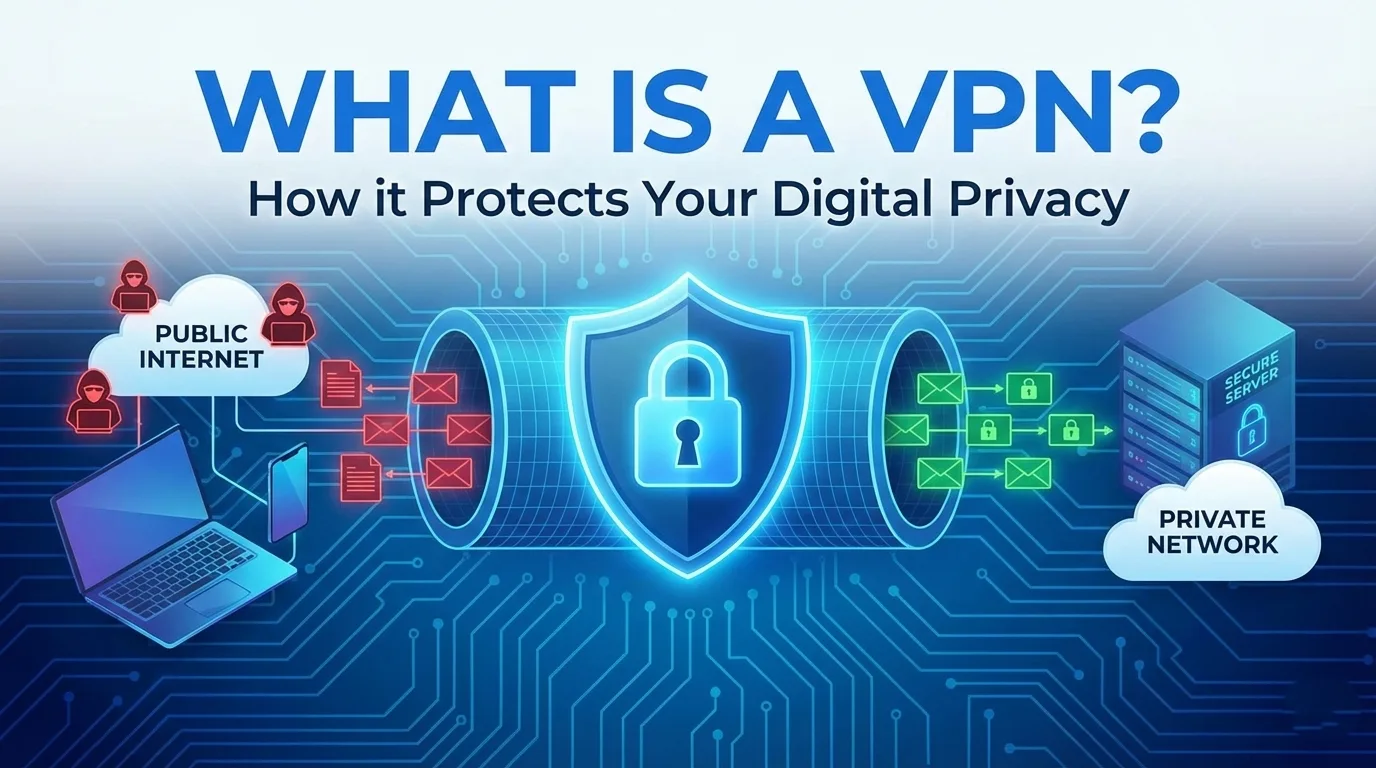
What is a VPN? How it Protects Your Digital Privacy
Frequently Asked Questions
Find quick answers to common questions about this topic