
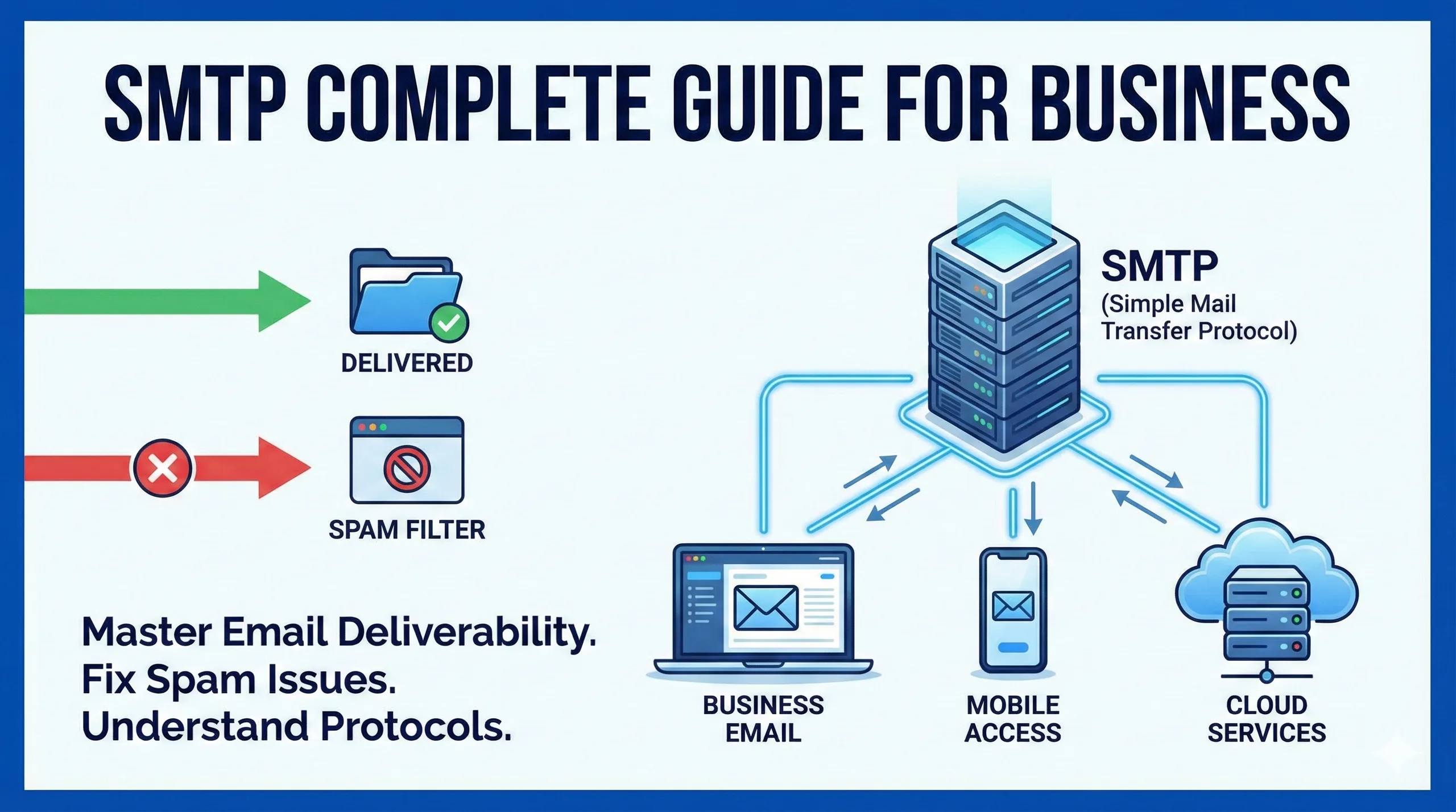
What Is SMTP? A Complete Guide for Businesses
In the modern digital landscape, email remains the backbone of professional communication. Whether you are sending a transactional receipt, a marketing newsletter, or a critical project update, you expect that email to land in the recipient's inbox instantly. However, the mechanism behind this seemingly simple action is complex and relies heavily on a specific protocol known as SMTP.
For business owners and digital professionals, understanding SMTP is not just technical trivia. It is a fundamental requirement for ensuring high email deliverability, securing communication channels, and maintaining a professional reputation. If your business emails are frequently landing in spam folders or failing to send, the issue likely lies within your SMTP configuration.
This guide provides an in depth look at the Simple Mail Transfer Protocol. We will explore how it works, why it differs from other protocols like IMAP and POP3, and why a dedicated SMTP strategy is essential for growing businesses.
How to Build a Hospital Website: The Complete 2026 Guide for Healthcare Leaders
Understanding the Basics: What is SMTP?
SMTP stands for Simple Mail Transfer Protocol. It is the standard communication protocol used across the internet for sending electronic mail. You can think of SMTP as the digital equivalent of a postal mail carrier. Just as a postal worker picks up your letter and ensures it reaches the correct local post office for sorting and delivery, SMTP handles the logistics of moving your email from your server to the recipient's server.
The Role of SMTP in Email Communication
When you hit "Send" in your email client (like Outlook, Gmail, or Apple Mail), the client does not send the message directly to the recipient's computer. Instead, it uploads the message to an SMTP server.
The SMTP server is responsible for three primary actions:
- Verification: It checks if the sender is allowed to send emails through that server.
- Routing: It looks up the domain name of the recipient (e.g., @tengspectrum.com) to find the destination server.
- Delivery: It transfers the message to the recipient's mail server.
It is important to note that SMTP is strictly a push protocol. It is used to send mail, not to receive it. To open and read emails, your email client uses different protocols, typically POP3 or IMAP, which pull messages from the server to your device.
Understanding Split Delivery in G Suite & Business Email
The Technical Mechanics: How SMTP Works
To understand why email delivery sometimes fails, it helps to understand the "conversation" that happens between servers. This process relies on a set of commands and codes. When an SMTP server connects to another server, they engage in a digital handshake.
The SMTP Process Step by Step
- Connection Establishment: Your email client connects to your SMTP server using a specific port (usually 587 or 465).
- The Handshake (HELO/EHLO): The client identifies itself to the server using the
HELOorEHLOcommand. - Sender Identification (MAIL FROM): The client specifies the email address of the sender.
- Recipient Identification (RCPT TO): The client specifies the intended recipient. If there are multiple recipients, this step is repeated for each one.
- Data Transfer (DATA): The actual content of the email (subject line, body text, and attachments) is transmitted.
- Termination (QUIT): Once the data is sent, the client sends a
QUITcommand to close the connection.
Understanding SMTP Error Codes
If you have ever received a "bounce back" email, you have encountered SMTP error codes. These are three digit numbers that the receiving server sends back to explain why a message was rejected.
- 2xx Success: The email was successfully received (e.g., 250 OK).
- 4xx Temporary Failure: There is a temporary issue, such as the server being busy or your IP being temporarily rate limited. Most servers will try to resend these emails automatically.
- 5xx Permanent Failure: The email could not be delivered and will not be retried. This often happens if the email address does not exist (550 User not found) or if your message was flagged as spam.
Beyond SEO: How to Rank in AI Search Overviews (AEO)
SMTP vs IMAP vs POP3: The Differences
A common point of confusion for business owners setting up their email infrastructure is distinguishing between the three main email protocols. While they all relate to email, they serve opposite functions.
Here is a breakdown of how they differ:
| Feature | SMTP | IMAP | POP3 |
| Full Name | Simple Mail Transfer Protocol | Internet Message Access Protocol | Post Office Protocol version 3 |
| Primary Function | Sending Email | Retrieving/Reading Email | Retrieving/Reading Email |
| Direction | Push (Client to Server / Server to Server) | Pull (Server to Client) | Pull (Server to Client) |
| Syncing | N/A | Syncs across multiple devices | Downloads to one device, usually deletes from server |
| Best Used For | Sending transactional or bulk emails | accessing email on phone, laptop, and tablet simultaneously | Archiving email on a single local machine with limited storage |
For a modern remote business like TenG Spectrum, utilizing SMTP for sending and IMAP for receiving is the standard best practice. This ensures that your team can send professional emails and access their inbox from any device, anywhere in the world, with perfect synchronization.
Why Businesses Need a Dedicated SMTP Server
Small businesses often start by using free SMTP servers provided by Google (Gmail), Yahoo, or their web hosting provider. While this works for personal use or very low volumes, it poses significant risks for growing enterprises.
1. Delivery Rates and Reputation
Standard ISP SMTP servers (like those from a basic shared hosting plan) often share IP addresses with hundreds of other users. If one user on that server sends spam, the entire IP address can be blacklisted. This means your legitimate business proposals could end up in your client's spam folder simply because of "bad neighbors."
A dedicated SMTP server or a professional SMTP relay service isolates your reputation. This ensures that your deliverability depends solely on your own sending practices.
2. Volume Limitations
Free SMTP providers impose strict limits on the number of emails you can send per day. For example, Gmail limits users to 500 emails per day. If you run an email marketing campaign or send automated transactional emails (like password resets or order confirmations), you will hit this cap quickly, causing critical business operations to halt.
3. Security and Data Protection
Professional SMTP services offer higher levels of encryption (TLS/SSL) during transfer. For businesses in sectors like finance or healthcare, this data security is non negotiable. Dedicated providers also offer detailed logs, allowing your IT team to trace exactly when an email was sent and received.
Choosing the Right SMTP Port
When configuring your email client or website plugin (such as for a WordPress contact form), you will be asked to select a port. Choosing the wrong one is the most common reason for connection errors.
Port 25: The Legacy Port
Historically, Port 25 was the standard for SMTP. However, because it was heavily abused by spammers and botnets, many Internet Service Providers (ISPs) now block traffic on Port 25. It is generally recommended to avoid this port for submitting mail from a regular email client.
Port 587: The Modern Standard
Port 587 is the default port for modern email submission. It supports STARTTLS encryption, which secures the connection after the initial handshake. For most business applications, this is the correct choice.
Port 465: The Secure Port
Originally assigned for SMTPS (SMTP over SSL), this port was briefly deprecated but is now widely supported again by major providers like Microsoft and Google for implicit SSL connections. If Port 587 does not work, Port 465 is the reliable alternative.
Port 2525: The Alternative
If you are experiencing connectivity issues because of firewall restrictions on the standard ports, Port 2525 is often used as a fallback. It is not an official standard, but most major SMTP service providers support it.
SMTP Relay Services: Scaling Your Business Email
As your business grows, you may need to distinguish between your standard employee email (person to person) and your automated system email (transactional).
An SMTP Relay is a third party service that acts as a specialized processing hub for high volume email. Services like SendGrid, Amazon SES, or Mailgun specialize in this.
When to Use an SMTP Relay?
- Marketing Newsletters: Sending thousands of emails at once requires infrastructure that can handle the load without crashing or getting blocked.
- Automated Notifications: If you run an e-commerce store, every purchase triggers an invoice. An SMTP relay ensures these arrive instantly.
- WordPress Sites: WordPress sites use a PHP mail function by default, which is notoriously unreliable. configuring an SMTP plugin with a relay service ensures contact form submissions actually reach you.
Crucial Security Protocols: SPF, DKIM, and DMARC
To establish Trustworthiness and Authority (key components of E-E-A-T), your SMTP setup must be authenticated. Without these three records, modern inboxes (Gmail, Outlook) may reject your emails automatically.
SPF (Sender Policy Framework)
This is a DNS record that lists exactly which IP addresses and domains are authorized to send email on your behalf. It prevents spammers from spoofing your domain.
DKIM (DomainKeys Identified Mail)
DKIM adds a digital signature to your emails. This signature allows the receiving server to verify that the email was indeed sent by you and was not altered during transit.
DMARC (Domain based Message Authentication, Reporting, and Conformance)
DMARC ties SPF and DKIM together. It tells the receiving server what to do if an email fails the SPF or DKIM checks (e.g., "reject the message" or "quarantine it").
At TenG Spectrum, we ensure all client web developments include proper configuration of these protocols to guarantee maximum deliverability.
Why Does Your Website Need Regular Maintenance?
Conclusion
SMTP is the silent engine that powers business communication. While it often operates in the background, neglecting its configuration can lead to lost revenue, missed connections, and a damaged brand reputation. From selecting the correct ports to implementing rigorous authentication like DMARC, managing your email infrastructure is a critical aspect of digital business management.
For businesses operating remotely or relying on digital sales channels, standard webmail is rarely enough. A robust, secure, and properly authenticated SMTP setup ensures that when you speak, your clients actually hear you.
Whether you are struggling with emails landing in spam, need to integrate a high volume relay for your e-commerce platform, or simply want to secure your corporate communications, professional assistance is the most efficient path forward.
Take the Next Step with TenG Spectrum
Do not let technical hurdles disrupt your business communication. At TenG Spectrum, we specialize in premium web development and comprehensive digital strategies. We can audit your current email infrastructure, implement secure SMTP protocols, and optimize your digital presence for maximum reliability.
Contact TenG Spectrum today to ensure your business creates a lasting digital impact with infrastructure you can trust.
Frequently Asked Questions
Find quick answers to common questions about this topic
