
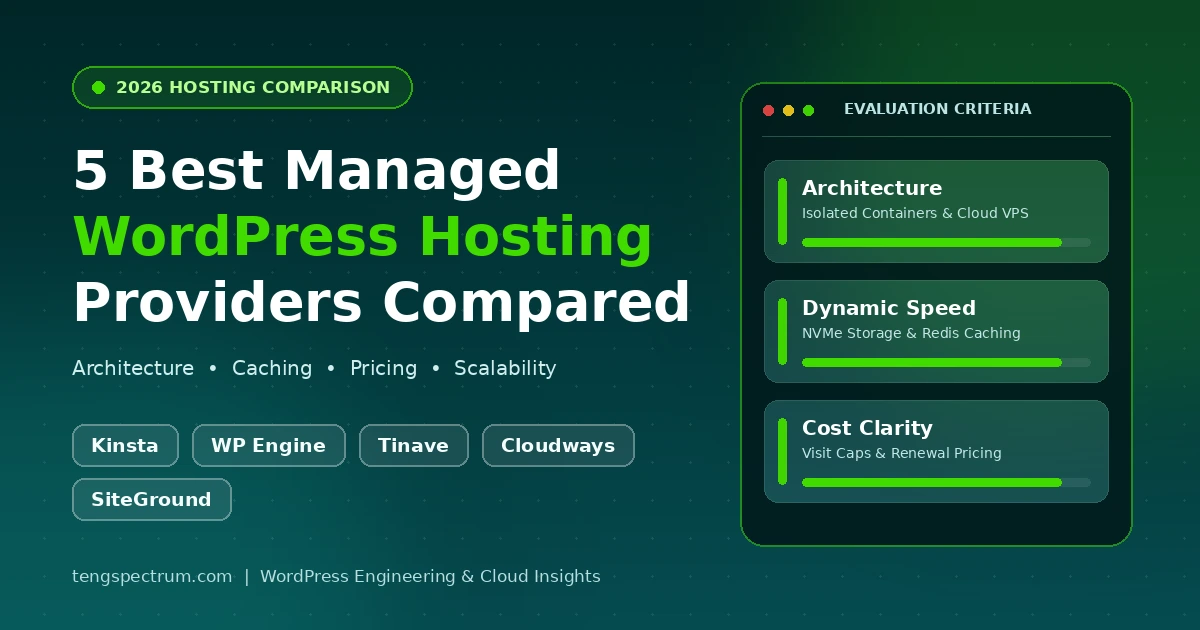
Choosing the right managed WordPress host in 2026 depends far more on your site’s actual architecture than on headline marketing speeds. While almost any modern host can serve a cached blog article quickly, dynamic WordPress sites—such as WooCommerce stores, FluentCart storefronts, Elementor builds, and LearnDash or TutorLMS platforms—generate uncached PHP and database requests on every logged-in or checkout session.
In this guide, we compare five widely used managed WordPress hosting providers—Kinsta, WP Engine, Tinave, Cloudways, and SiteGround—across server architecture, caching, traffic policies, pricing transparency, and ideal use cases so you can match the right platform to your workload.
At-a-Glance Comparison: 5 Managed WordPress Hosts (2026)
| Provider | Infrastructure | Monthly Visit Policy | Redis Object Cache | Pricing Model | Best Fit |
|---|---|---|---|---|---|
| Kinsta | Isolated containers on Google Cloud | Capped per plan (overage fees apply) | Paid add-on | Starts ~$35/mo | Global brands & high-traffic sites |
| WP Engine | Managed cloud (GCP / AWS) + EverCache | Capped per plan (overage fees apply) | Higher tiers / add-on | Starts ~$25–$30/mo | Enterprise teams & established agencies |
| Tinave | Per-site container isolation on NVMe Gen4 | Unmetered visits (no overage fees) | Included free on Growth & Scale | Flat $27 / $49 / $129/mo | Growing SMBs, stores, LMS & agencies |
| Cloudways | Managed cloud VPS (DO, AWS, GCP) | Unmetered (server resource-bound) | Built-in (server-managed) | Pay-as-you-go (~$14/mo+) | Developers & multi-site agencies |
| SiteGround | Google Cloud managed tiers | Estimated monthly visit guidelines | Higher / Cloud plans | Low intro, higher renewal | Small businesses & starter sites |
1. Kinsta
Kinsta is built on Google Cloud Platform’s Premium Tier network with 35+ global data centers—including a Mumbai region for India and South Asia traffic. Every site runs inside an isolated LXD container backed by Cloudflare edge caching, and the custom MyKinsta dashboard includes built-in Application Performance Monitoring (APM), one-click staging, daily backups, and 24/7 WordPress support.
- Best for: High-traffic content sites, international WooCommerce stores, and teams that want polished GCP tooling and built-in APM debugging.
- Strengths: Fast Google Cloud compute, strong global PoP coverage, intuitive dashboard, and consistent reliability under sudden spikes.
- Trade-offs: Entry tiers enforce monthly visit caps (typically starting around 25,000–35,000 visits) with overage charges beyond plan limits, and dedicated Redis object caching is billed separately as a paid add-on.
2. WP Engine
WP Engine is one of the longest-running enterprise managed WordPress platforms. It pairs Google Cloud and AWS infrastructure with proprietary EverCache optimization, automated WordPress core updates, structured development/staging/production environments, and tight integration with the Local desktop workflow used by many traditional WordPress agencies.
- Best for: Enterprise marketing organizations, corporate websites, and agencies needing formal SLAs and structured release workflows.
- Strengths: Mature security posture, reliable caching, strong agency collaboration tools, and broad enterprise adoption.
- Trade-offs: Plans enforce monthly visit caps with overage fees, restrict certain caching and backup plugins via a disallowed plugin list, and charge extra for features like automated visual-regression plugin updates.
3. Tinave
Tinave Managed WordPress Hosting focuses on true per-site container isolation on NVMe Gen4 storage with flat, predictable pricing ($27/month Starter with 15 GB NVMe, $49/month Growth with 30 GB NVMe, and $129/month Scale with 60 GB NVMe). Every plan includes unmetered monthly visits, 1-click staging, automated daily offsite backups, automatic SSL, and human-led migrations verified on a private preview URL before DNS cutover.
- Best for: Growing SMBs upgrading from shared hosting, dynamic WooCommerce, FluentCart, Elementor, or LearnDash/TutorLMS platforms, and agencies wanting isolated client containers.
- Strengths: Per-site container isolation eliminates noisy-neighbour slowdowns, unmetered visits avoid traffic overage surprises, Dedicated Redis Object Cache is included free on Growth and Scale plans, and flat pricing avoids multi-year lock-in or steep year-two renewal jumps.
- Trade-offs: As a newer, WordPress-focused platform compared to decade-old incumbents like WP Engine or Kinsta, it has a smaller legacy ecosystem and is built strictly for WordPress rather than multi-framework custom apps.
4. Cloudways
Cloudways provides a managed cloud hosting layer over infrastructure providers including DigitalOcean, AWS, and Google Cloud (with Indian regions such as Bangalore and Mumbai available). Its server stack includes Nginx, Varnish, Memcached, and Redis caching, with flexible pay-as-you-go hourly pricing and vertical server scaling.
- Best for: Developers, freelancers, and technical agencies managing multiple websites on shared cloud servers who want infrastructure choice.
- Strengths: Wide cloud provider and region selection, no artificial visit counters, SSH/Git developer workflows, and cost-effective multi-site hosting.
- Trade-offs: Requires more hands-on server management than turnkey container hosts; sites placed on the same VPS share CPU and RAM, and support is centered on server infrastructure rather than deep WordPress theme or plugin debugging.
5. SiteGround
SiteGround runs on Google Cloud infrastructure and is widely used by small businesses getting started with WordPress. Its custom Site Tools panel bundles built-in page and dynamic caching, daily backups, staging, a free CDN tier, email hosting, and helpful frontline support.
- Best for: Small business brochure websites, local service sites, and beginners wanting an easy control panel with email included.
- Strengths: Clean onboarding experience, reliable Google Cloud foundation, solid entry-level caching, and responsive support for common WordPress tasks.
- Trade-offs: Renewal rates rise substantially after the introductory billing period, and lower-tier plans run on shared resource limits that can constrain heavy e-commerce or LMS traffic as a site scales.
How to Choose the Right Managed WordPress Host
When comparing providers for a real business website, focus on four practical factors rather than introductory discounts:
- Dynamic vs. Static Performance: Static blogs run well on almost any cached host. If you operate a managed WooCommerce hosting store, a FluentCart storefront, or a WordPress LMS, logged-in users bypass static page cache—making container isolation, NVMe storage, and Redis object caching critical.
- 24-Month Total Cost: Compare year-two renewal rates, potential visit overage fees, and paid add-ons (like Redis, staging, or backups) rather than month-one promo banners.
- Isolation & Security Boundaries: Hosting multiple sites in a shared environment risks cross-site slowdowns when one site spikes. Container-isolated hosts (such as Kinsta and Tinave) or dedicated single-site cloud servers on Cloudways give predictable performance.
- Migration & Engineering Fit: Check whether your host provides guided human migrations with staging previews or automated migration plugins—and remember that hosting works best alongside clean code, high-performance WordPress architecture, and ongoing WordPress bug fixing and optimization.
Quick Recommendation Summary
- Pick Kinsta if you want Google Cloud’s full global footprint, Mumbai edge proximity, and built-in APM diagnostics.
- Pick WP Engine if you want enterprise governance, EverCache, and mature agency release pipelines.
- Pick Tinave if you want per-site container isolation, NVMe Gen4, unmetered visits, and free dedicated Redis (on Growth/Scale) with flat pricing.
- Pick Cloudways if you have technical comfort managing DigitalOcean, AWS, or GCP servers for multiple client sites.
- Pick SiteGround if you are launching a smaller site and want an approachable all-in-one setup with email included.
Building a new custom WordPress website, migrating an existing store, or improving Core Web Vitals before scaling ads? Explore TenG Spectrum’s custom web development solutions to pair fast hosting with conversion-ready engineering.
Frequently Asked Questions
Find quick answers to common questions about this topic